How to test your sensors?
Ensure to test your sensors before mounting them. It is also recommended to do a routine test once per quarter.
How to test?
Let’s use Entry Sensor E20 as an example:
-
Click on the sensor in the home tab→
-
Click on the ‘gear’ icon in the top right corner→
-
Click on ‘Test Device’ →
-
Manually trigger the sensor to see if the signal is visible on your app
-
Confirm the test result OR contact us for help


20 undefined
Total Home Security Simplified: eufy Expert Secure System E10's All-in-One Smart System for 24/7 Protection


Download a Certificate to get a Discount on your Home's Insurance
How to adjust the alarm volume of HomeBase Professional S1
Eufy ExpertSecure System Return Policy
Modify Notifications of eufy App, Homebase Professional S1, and eufy Security Cameras
Keep Your eufy Account Safe
How do I add a Video Doorbell C30 to my eufy App?
Entry Delay and Exit Delay of eufy ExpertSecure System E10
How do I add eufy Indoor Cam 2K Pan & Tilt to my eufy App?

eufy Entry Sensor E20 User Guide (T90E0)
eufy ExpertSecure Sytem User Guide (E9000)
eufy Flood &Freeze Sensor E20 User Guide (T90F0)
eufy Motion Sensor E20 User Guide (T90M0)
Plan Terms and Conditions
T90S0_EN_User Guide_V1
View More


How to Set Up and Install HomeBase Professional S1
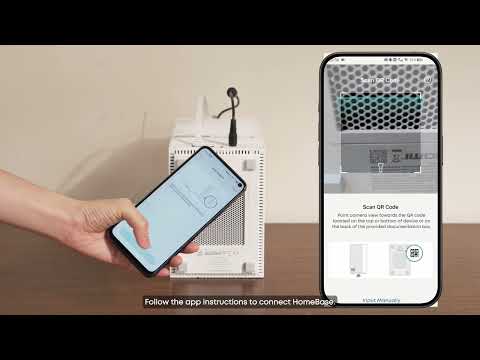
How to Set Up and Install eufy ExpertSecure System

How to Set Up and Install Entry Sensor E20

How to Set Up and Install Motion Sensor E20

How to Set Up and Install Smoke Alarm E10
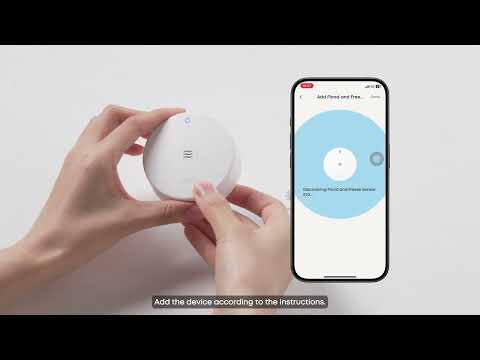
How to Set Up and Install Flood and Freeze Sensor E20
View More