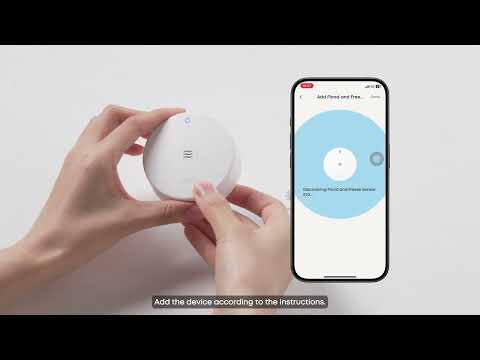
The eufy sensors normally would auto-upgrade the devices’ firmware version to the newest.
How to check firmware
Log in to your eufy app →
Click on the sensor that is already paired →
Click on 'Gear' icon at top right corner →
Click 'About Device' to see 'Firmware Version'
or
Click on 'check for firmware update' to manually upgrade firmware, if there is a new firmware version available.
What may cause firmware upgrade failure
-
Based on our testing, the most likely cause of firmware upgrade (OTA) failure is a weak signal connection between the sensor and the HomeBase. Signal transmission can be blocked or disrupted by physical obstacles such as thick walls or large metal objects, which lead to unstable connectivity during the upgrade process.
-
A sensor can't upgrade if it lacks power.
What to do
-
Please check if the sensor is online and if the network is absolutely great.
Log in to your eufy app →
Click on the sensor that is already paired →
Click on 'Gear' icon at top right corner →
Click 'Test Device'
-
If signals are not received promptly during testing, it likely indicates a weak or unstable connection between the sensor and the HomeBase.
-
Please make sure the distance between the sensor and HomeBase is about 2m-8m and the signal is great.
-
Make sure the sensor is powered on. Press the SYNC button on the sensor and check whether the LED indicator lights up.