How can I delete videos that aren't needed?
You can delete videos through the eufy App - Event page.
1. Tap the Edit button at the upper right corner of the Event page, choose events you don't want to reserve and delete them.
2. Play the unwanted video and you will see a delete button under the page.
Tell me more about Download and Delete Videos via eufy App.


20 undefined


Is eufy floodlight HomeKit compatible?
Is the Homebase of 2K battery doorbell also the chime?
Fail to Add a Face Profile in Smart Detection for eufyCam/E
What is the maximum distance between the doorbell and the Homebase?
2K Battery Doorbell FAQ - Hardware Installation
Does HomeBase 2 support universal voltage?
What is the average data consumption needed per month for eufyCams?
How far can the HomeBase be placed from the router?

Indoor_Cam_C220_User_Guide
T8222_Video Doorbell 1080p_INT_QSG
T8171_SoloCam E30_EU_QSG
SoloCam_L40_manual_eu
T8170_SoloCam S340_EU+JP_QSG
T8425_Floodlight Cam E340_EU_QSG
View More


How to Mount Your eufyCam E

How to Mount Your eufyCam
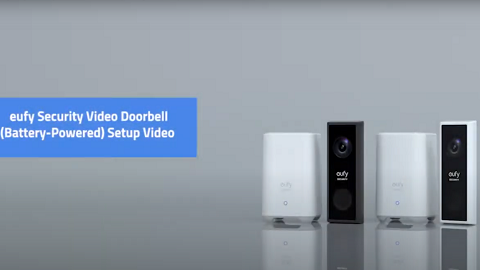
eufy Security Video Doorbell 2K (Battery-Powered) Setup Video

How to Install eufy Security Video Doorbell (Wired)

How to Set the Automation Function

How to set up eufy Security Video Doorbell (Battery-Powered)
View More


