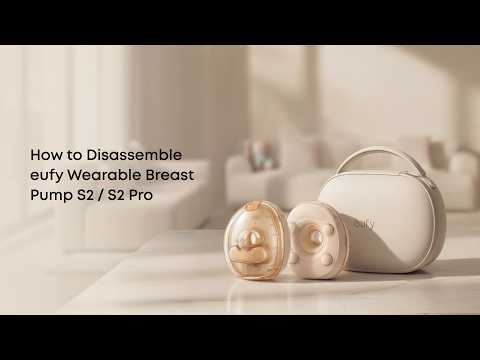
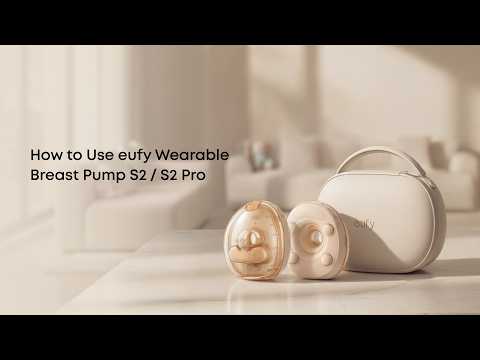
How do I record the pumped milk volume on the Wearable Breast Pump S2(T600P)/S2 Pro(T600P+T60A0)? Pumped milk data will not be saved if no volume is entered.

After each session: App > Milk Data Log > tap the session entry > add the volume.


Note: Pump session data (duration, mode) may not fully save without a recorded volume. Record the volume before the pump turns off.


If you have any other questions, please don't hesitate to contact eufy Support Engineers for further assistance.

Unresolved icon
0 undefined
Download icon
‬⁡‌​⁢‬⁣‬‌⁢⁣‌⁣⁢⁢​⁤​⁣‬‬​‌​​⁣‌⁡‍‬​‬‍⁢⁤‍⁣​‍‌​‬⁢【T8010】【HomeBase 2】EU Declaration
Download icon
T8113S_EU Declaration of Conformity
Download icon
eufyCam_2C_Pro_Set_Manual_us
Download icon
RoboVac 30C_Manual_EN
Download icon
video_Doorbell_2K_(Wired)_Manual_us
Download icon
Motion_Sensor_manual_us
View More
Play videoHow to Connect RoboVac to iOS Devices
How to Connect RoboVac to iOS Devices
Play videoeufy 3-in-1 E20: Unboxing and Quick Start Guide Video
eufy 3-in-1 E20: Unboxing and Quick Start Guide Video
Play videoHow to Install eufy Security Video Doorbell (Wired)
How to Install eufy Security Video Doorbell (Wired)
Play videoHow to set up eufy Security Video Doorbell (Battery-Powered)
How to set up eufy Security Video Doorbell (Battery-Powered)
Play videoHow to Install eufy Security Floodlight Camera
How to Install eufy Security Floodlight Camera
Play videoeufy Security App Functions
eufy Security App Functions
View More
Contact Us
Buy on the eufy Store
Download the App
affirmamazonPayamexapplePaydinnersClubdiscovergooglePaymastercardpaypalshopPayvenmovisa