How do I switch between several eufy scales?
If you have previously added a scale in the app, you can add others in the same way. You can do this by going into the Eufy app and selecting the eufy Care Devices tab > More icon > Settings > Add device. The app will automatically connect to the nearest scale that's turned on.
If you need any further assistance, please contact us.


20 undefined
What is the weight range of this scale?


Is the body fat % accurate or an approximation?
How do multiple users share the same eufy Smart Scale(T9140/T9146/T9147) using different EufyLife accounts?
Can multiple users share the same eufy Smart Scale(T9140/T9146/T9147)? And how does the measurements sync to the correct user profile?
What to do if my body fat % is inaccurate?
EufyLife App Features Guidance
What is the measurement unit of the visceral fat?
What if the smart scale does not measure weight, body fat, or any other body compositions?
eufy App - Account Region Migration FAQ

eufy Smart Scale A1 User Guide (T9120)
eufy Smart Scale C1 User Guide (T9146)
Smart Scale P2 Pro_EN&AR_Manual
Smart Scale C1_SA_Manual
eufy Smart Scale P2 Pro User Guide (T9149)
Smart Scale P2 Pro_EU_manual
View More

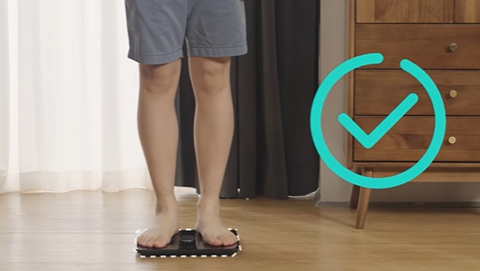
eufy Smart Scale P2 Series: How to Troubleshoot Inaccurate Weight Measurements

eufy Smart Scale P2 Series Unboxing Video
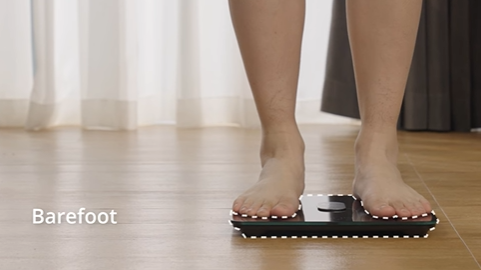
eufy Smart Scale P2 Series: How to Troubleshoot Inaccurate Body Measurements
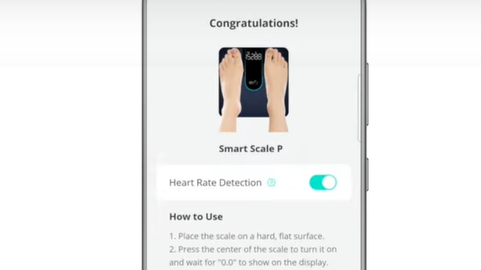
eufy Smart Scale P2 Series: How to Connect Android Devices
eufy Smart Scale P2 Series: How to Connect iOS Devices

Eufy BodySense Smart Scale


