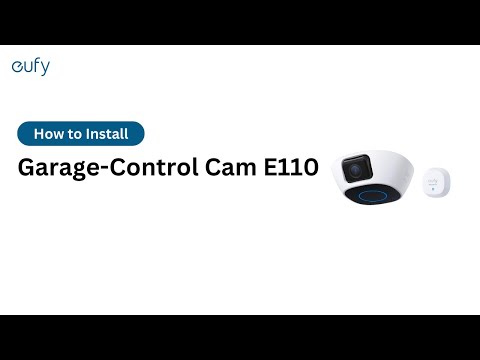
How do I turn on my eufy Garage-Control Cam in the eufy app?
You can turn on the eufy Garage-Control Cam in the eufy app by going to the Devices Tab Page > Garage-Control Cam > the "…" Icon > Gear Icon > Settings.
If there are any other questions regarding the eufy Garage-Control Cam, please contact us for assistance.