How do I upload app logs or device logs for Wearable Breast Pump S2 (T600P)/S2 Pro (T600P+T60A0)?

App Log: Tap the top-left corner on the home page to open the sidebar → Settings → About → Upload Log → Upload Log


Device Log: On the breast pump control page, tap the settings icon in the top-right corner → Settings → Enable "Open Device Log" → Tap Upload Device Log


If you have any other questions, please don't hesitate to contact eufy Support Engineers for further assistance.

Unresolved icon
76 undefined
Download icon
eufy Wearable Breast Pump S2 Pro User Guide (T600P)
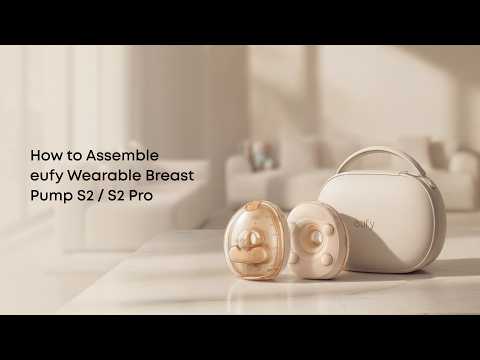
Play videoHow to Assemble eufy Wearable Breast Pump S2 / S2 Pro
How to Assemble eufy Wearable Breast Pump S2 / S2 Pro
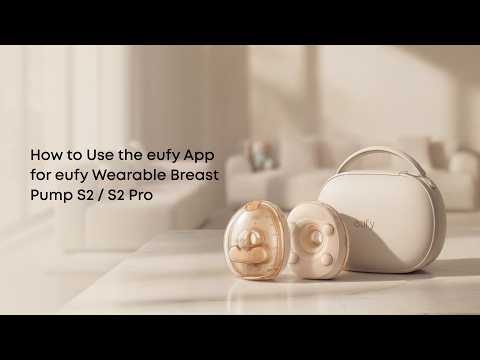
Play videoHow to Use the eufy App for eufy Wearable Breast Pump S2 / S2 Pro
How to Use the eufy App for eufy Wearable Breast Pump S2 / S2 Pro
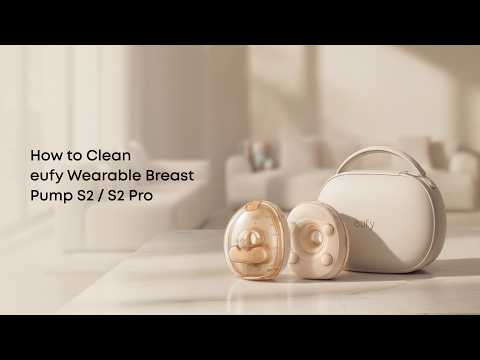
Play videoHow to Clean eufy Wearable Breast Pump S2 / S2 Pro
How to Clean eufy Wearable Breast Pump S2 / S2 Pro
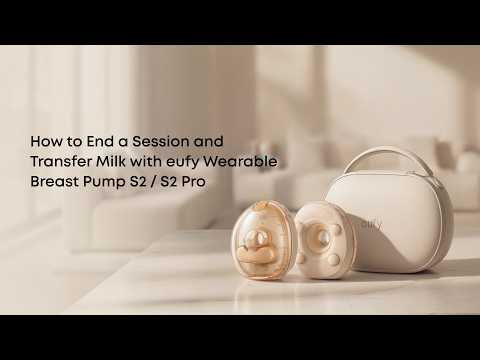
Play videoHow to End a Session and Transfer Milk with eufy Wearable Breast Pump S2 / S2 Pro
How to End a Session and Transfer Milk with eufy Wearable Breast Pump S2 / S2 Pro
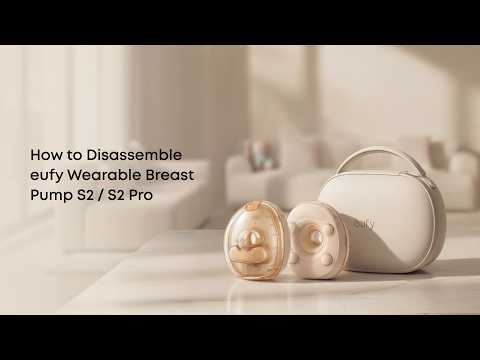
Play videoHow to Disassemble eufy Wearable Breast Pump S2 / S2 Pro
How to Disassemble eufy Wearable Breast Pump S2 / S2 Pro
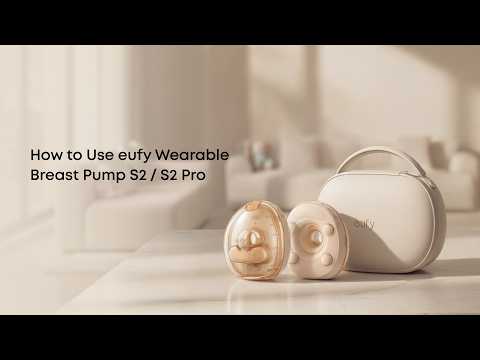
Play videoHow to Use eufy Wearable Breast Pump S2 / S2 Pro
How to Use eufy Wearable Breast Pump S2 / S2 Pro
Contact Us
Buy on the eufy Store
Download the App
affirmamazonPayamexapplePaydinnersClubdiscovergooglePaymastercardpaypalshopPayvenmovisa