How does the One-Touch Locking Function of the Smart Lock R10 work?
The One-Touch Locking function can easily and quickly lock your door.
You can lock the door by simply pressing the "Lock" button on the keypad after you have enabled the One-Touch Locking function.
If there are any other questions about the Smart Lock R10, please contact us for further assistance.


20 undefined
What happens if the eufy smart lock battery dies?


How many passcodes and fingerprints can the eufy smart lock store?
Where is the keyhole on eufy smart locks?
How to lock and unlock the door using passcode for eufy smart locks?
How to Charge eufy Smart Lock
eufy Security / eufy Pet / eufy Baby Devices Go Offline
How to open specific router ports for eufy devices?
Update Firmware for eufy Devices via App
Failed to Scan the QR Code on the eufy Device
How to connect eufy devices to your phone using a mobile hotspot?

Smart_Lock_R10_manual_us

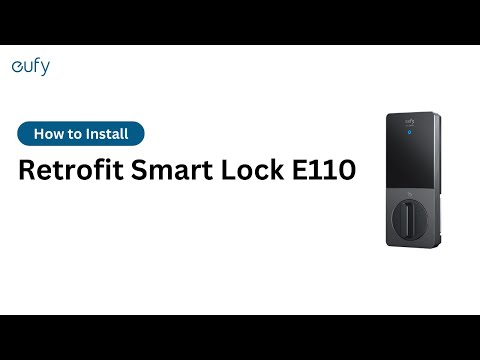
How to install eufy E110(R10) Retrofit Smart Lock?

eufy App Functions


