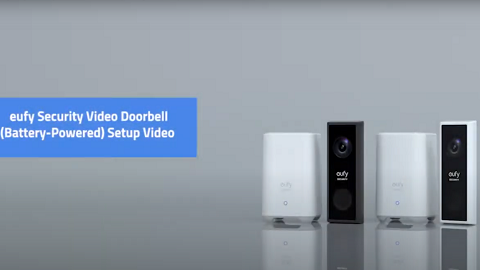
On some occasions, you may decide to purchase a single HomeBase 2 from the eufy website. For example, if you have purchased eufy SmartDrop and prefer to store video recordings locally rather than in eufy cloud backup. Here are the steps to help you set up HomeBase 2 in the eufySecurity app.
Download the eufySecurity App
Download the eufySecurity app from App Store (iOS devices) or Google Play (Android devices). Or visit eufylife.com on your mobile device.
Create Your eufySecurity Account
After downloading the app, please create a new account or log in to your account. Learn more about Sign Up for A eufySecurity Account.
Add HomeBase 2 to the App
1. On the Device page, tap Add Device and then select HomeBase 2.
2. Follow the step-by-step instructions on the phone screen to power on the HomeBase 2 and connect it to your home router using the provided Ethernet cable.
3. Tap Next and connect your smartphone to the same WiFi router that the HomeBase is connected to.
4. Tap Next and wait 1 minute until HomeBase’s LED indicator light turns from Red to Blue.
5. Tap Next and scan the QR code at the bottom of HomeBase 2. The code you need to scan is at the bottom of your HomeBase 2. You can also manually enter the HomeBase’s serial number.
6. After scanning the correct code, the setup process will proceed to the next step.
7. When HomeBase 2 is emitting a sound, click the SYNC/ALARM OFF button on the back of the HomeBase 2 for 2 seconds until you hear a short beep.
8. Once HomeBase 2 is set up successfully, please enter a name for your HomeBase 2. You are all set! You can then connect other devices to HomeBase 2.
To switch your HomeBase from Ethernet connection to WiFi connection, please refer to Connect the HomeBase 2 to Wi-Fi. If the process failed to add your HomeBase 2 to the eufySecurity app, please refer to Failed to Add HomeBase 2 in eufySecurity App.
If you still have questions regarding how to set up HomeBase 2, please contact us for further assistance.