How to Check the Current App Version of eufySecurity
To find what version of the eufySecurity App you have, follow these steps.
1. Open the eufy App on your phone.
2. Tap on the avatar in the upper left corner of the main page and select Settings.
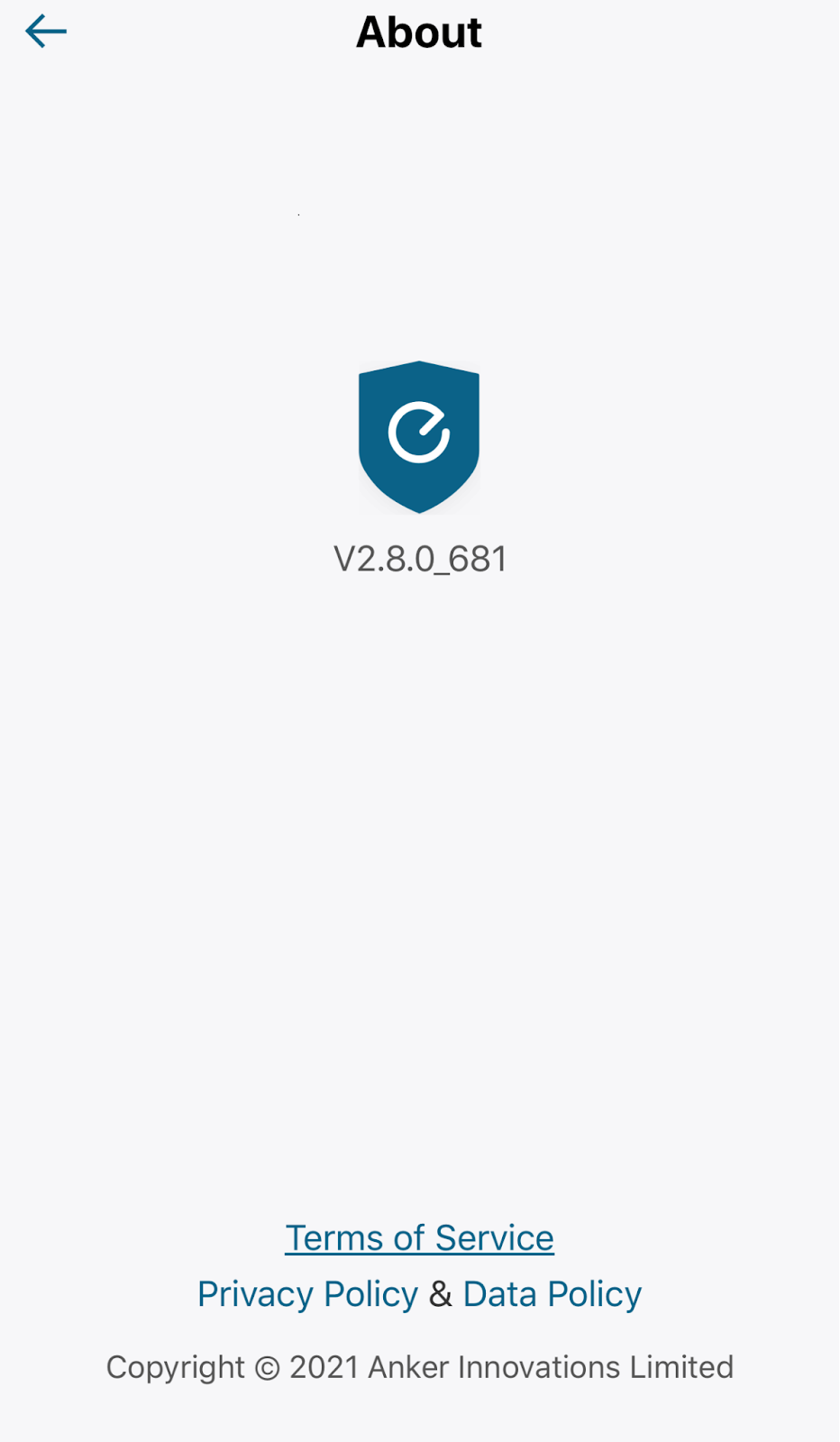
3. Tap on About.
4. Look for “vX.X.X_XXX” under the eufySecurity Logo.
To update the eufy App, you can go to the Apple Store or Google Play for new versions if applicable.
If you have any questions, please contact us for further assistance.

How to Check the Current App Version of eufySecurity


1043 undefined
S380 HomeBase (HomeBase 3) Compatibility
196668 views/
35 likes/2024-12-25 14:45:40
HomeKit on eufySecurity Devices
136456 views/
7 likes/2025-04-07 18:37:55
How to View eufySecurity Cameras on a Computer
56267 views/
10 likes/2025-04-07 18:27:47
Compatibility Between eufySecurity Devices
5772 views/
1 likes/2025-11-17 15:19:54
What type of microSD card does eufySecurity device use?
37026 views/
4 likes/2025-04-07 18:27:10
Share Your eufySecurity Devices With Your Family
34419 views/
6 likes/2025-04-07 18:27:23
Using NAS Storage Step by Step
34458 views/
1 likes/2025-04-07 18:04:31
Introducing Cloud Backup
22038 views/
1 likes/2025-04-15 14:12:20
Two-Step Verification for eufySecurity App
41478 views/
10 likes/2025-04-07 18:27:11
Which eufy cameras work with HomeKit?
206466 views/
44 likes/2023-01-06 11:49:40

【T8010】【HomeBase 2】EU Declaration

T8113S_EU Declaration of Conformity

eufyCam_2C_Pro_Set_Manual_us

RoboVac 30C_Manual_EN

video_Doorbell_2K_(Wired)_Manual_us

Motion_Sensor_manual_us
View More


How to Connect RoboVac to iOS Devices


eufy 3-in-1 E20: Unboxing and Quick Start Guide Video


How to Install eufy Security Video Doorbell (Wired)


How to set up eufy Security Video Doorbell (Battery-Powered)


How to Install eufy Security Floodlight Camera


eufy Security App Functions
View More





