Get the Official Anker eufy App
Your eufy camera should work the moment you set it up. No surprise paywall. No subscription you can't skip. If an app asks you to pay before you can use your camera, you're likely not in the official app.
Recently, third-party apps have been buying ads for the word "eufy" in the App Store and Google Play. They appear at the top of search results. They copy our name, our icon, even our screens. Then they lock you behind their own subscription — and charge you for it.
That is not us. The official Anker eufy app does not force a subscription to use your device. Here's how to make sure you have the real one.
1. Search for "Anker eufy"
In the App Store on iPhone, or Google Play on Android.
The official app icon looks like this:
 |  |
| Light mode | Dark mode |
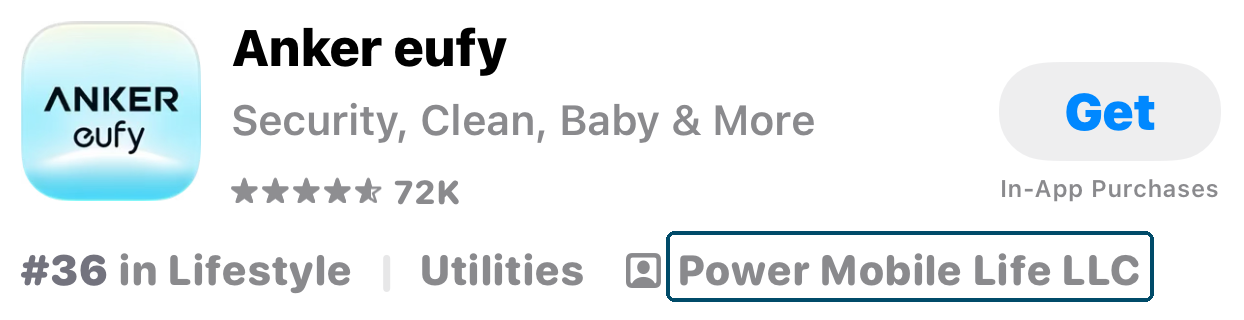
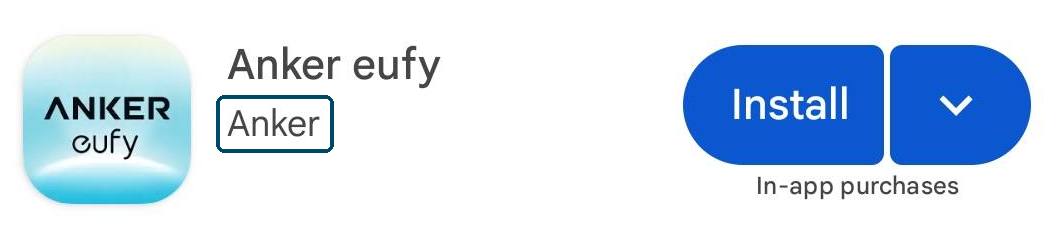
2. Check the developer
- App Store: Power Mobile Life LLC
- Google Play: Anker
If the name doesn't match, don't install it.
App Store — the developer must show Power Mobile Life LLC:
Google Play — the developer must show Anker:
3. Install, open, and set up
Tap Get or Install. Follow the setup. Your camera works — no paywall in the way.
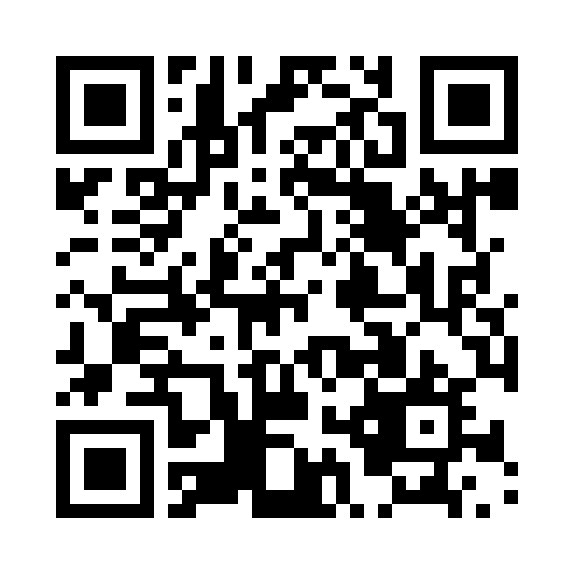
Not sure? Skip search entirely. Download straight from us HERE.
Or scan this QR code with your phone:
Already installed an app that asked you to pay?
Uninstall it, then install the official one above. If you were charged, contact your app store for a refund — and tell us, so we can keep tracking these copies down.
We're working with Apple and Google to remove the impostor apps and stop their ads. In the meantime, the developer name is your quickest check.
Yours,
The Anker eufy Team