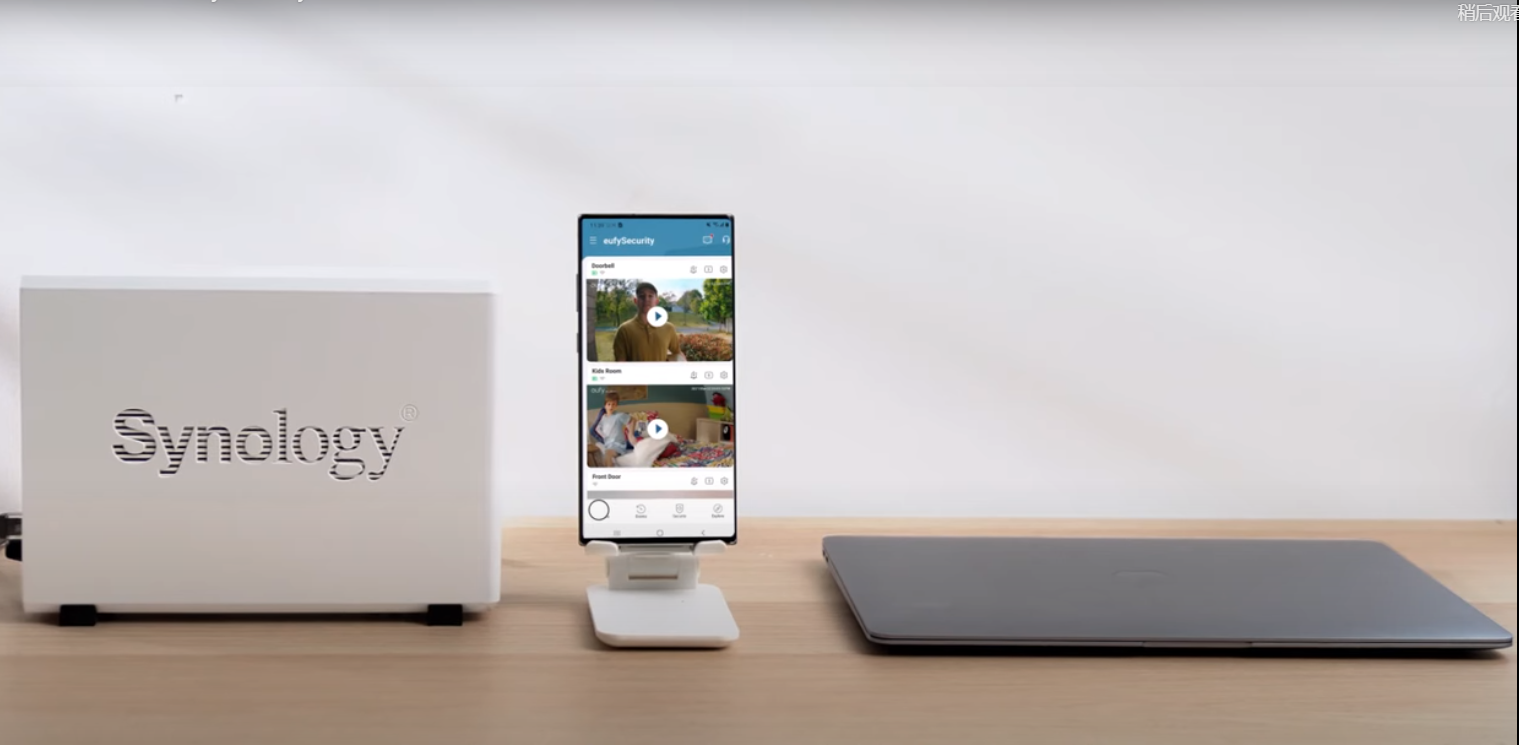
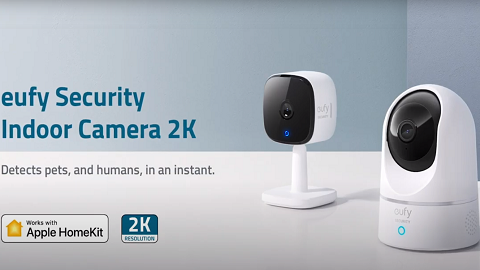
This article will guide you to complete the HomeKit setup process on eufyCam 2 series and Indoor Cam 2K series.
How to Set Up HomeKit for eufyCam 2 Series
Step 1: Power on your eufy HomeBase 2 and connect to the Internet.
Step 2: Find the QR Code at the bottom of your HomeBase 2 and set up HomeBase 2.
If the QR code has a “Home” logo, it means that the device can be added to iOS Home App directly and add an accessory by scanning the QR code under the HomeBase 2. Click here for Apple Home App instructions.
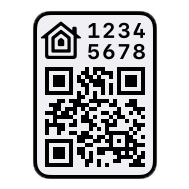

If the QR code has no house-like logo, the device (HomeBase 2 and eufyCam 2/2C/2 Pro/2C Pro) should be added to eufy App at first.


Step 3: If there is no “Home” logo, after adding HomeBase 2 to eufy App, please connect eufyCam 2/2C/2 Pro/2C Pro to HomeBase 2.
(1) Place eufyCam 2/2C/2 Pro/2C Pro camera close to the HomeBase 2. Press the SYNC button on eufyCam 2/2C/2 Pro/2C Pro for 2 seconds until you hear a beep sound. The eufyCam 2/2C/2 Pro/2C Pro will be waiting for a sound wave message sent by HomeBase 2.

(2) Press the SYNC/ALARM OFF button on HomeBase 2 for 2 seconds until you hear a sound wave. This is the sound wave message that HomeBase 2 needs to send to eufyCam 2/2C/2 Pro/2C Pro.
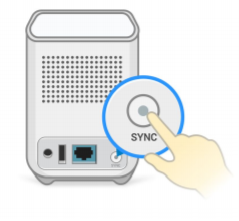
(3) Wait for 30 seconds and you will hear a voice "Device was added successfully". That means eufyCam 2/2C/2 Pro/2C Pro has been added successfully.
Step 4: Then follow the steps on HomeBase settings >General> HomeKit setup to activate HomeKit.
Step 5: Follow the instructions on the eufy App to enable the Homekit feature. For how to add eufySecurity devices to Home App, Apple support center provides detailed instructions here.
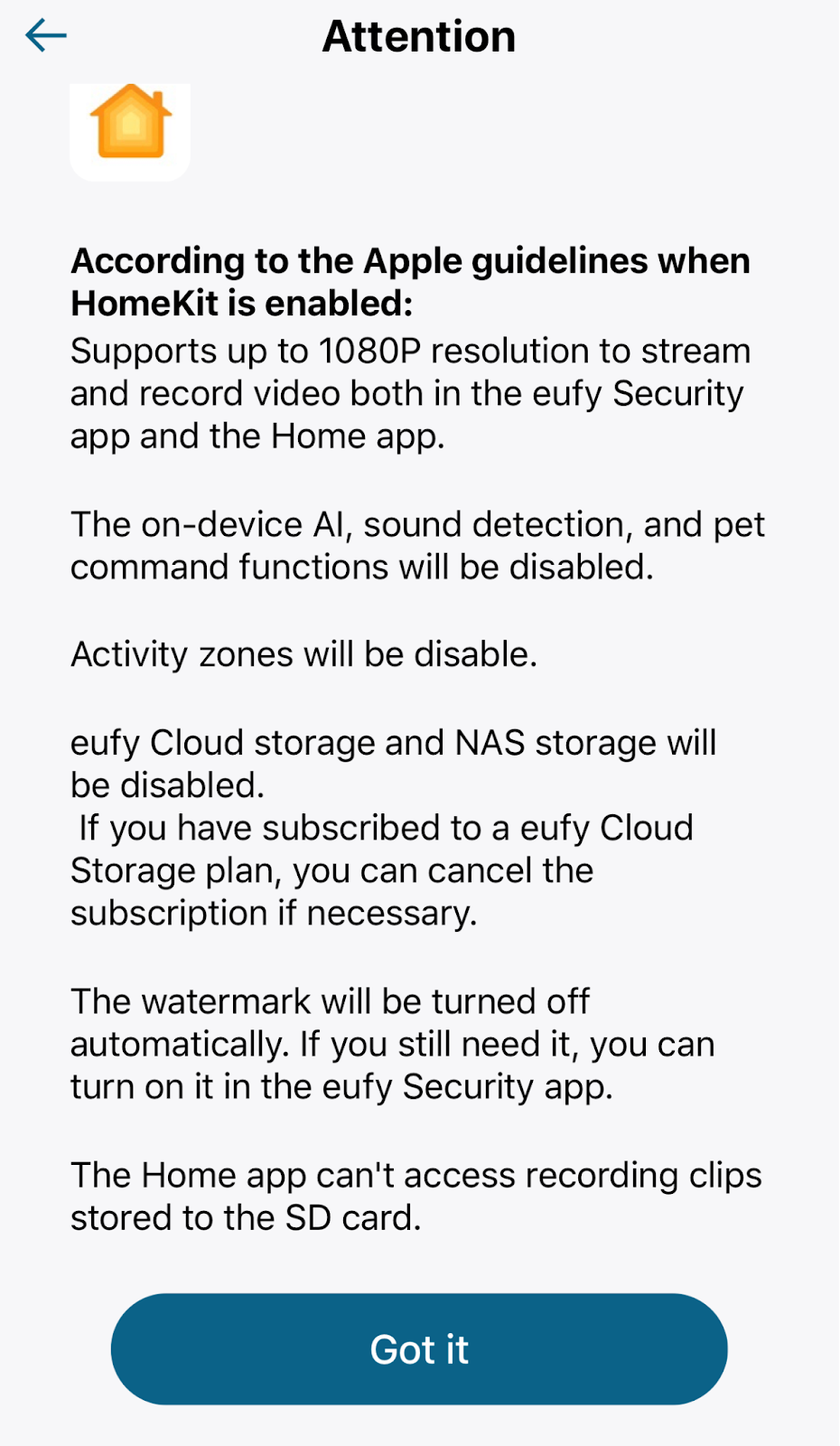

Step 6: The device will be sync to the Home app automatically. You are all set!
How to Set Up HomeKit for Indoor Cam 2K Series
Step 1: Power on your eufy Indoor Cam 2K and Indoor Cam 2K Pan & Tilt.
Step 2: Add the indoor cam 2K to eufy App by scanning the QR code. Follow the instructions on eufy App.
Step 3: After setting up the indoor cam, enable the Homekit feature in the device settings. In eufySecurity App, you can find the HomeKit Portal option in Camera Settings>General.
Step 4: Follow the instructions on the eufy App to enable the Homekit feature. For how to add eufySecurity devices to Home App, Apple support center provides detailed instructions here.
Step 5: The device will be sync to the Home app automatically. You are all set!