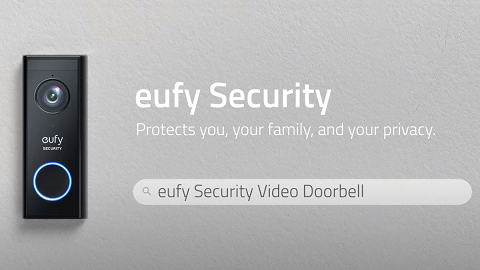
How to Turn On the Night Vision for Doorbells


When you want to use the doorbell to monitor your house at night, you can enable the Night Vision feature in the eufy app.


In Doorbell Settings, you will see “Auto Night Vision” for doorbells. You can toggle the button to enable the Night Vision feature. If there is no external light or spotlight nearby the doorbell, you will see black and white images when you are livestreaming the doorbell.


Steps in the eufy app: Slide the side menu > My Device >  Doorbell > Doorbell Settings > Auto Night Vision.


If you have any questions, please contact us for further assistance.

Unresolved icon
20 undefined
Download icon
eufy Security Video Doorbell 1080p (Battery-Powered) User Guide (E8222)
Download icon
Monitoring_sticker
Download icon
T8222_Video Doorbell 1080p_INT_QSG
Download icon
T8220_Video Doorbell Slim_EN_QSG
Download icon
T8210_EU_Declaration_of_Conformity
Download icon
video_Doorbell_1080p_(Wired)_Manual_us
View More
Play video
eufy Security Video Doorbell 2K (Battery-Powered) Setup Video
Play video
How to Install eufy Security Video Doorbell (Wired)
Play video
How to Set the Automation Function
Play video
How to set up eufy Security Video Doorbell (Battery-Powered)
Play video
Introducing eufy Video Doorbell 2K (Battery-Powered)
Play video
How to Install Wired Video Doorbell (EU)
View More
Contact Us
Buy on the eufy Store
Download the App
affirmamazonPayamexapplePaydinnersClubdiscovergooglePaymastercardpaypalshopPayvenmovisa