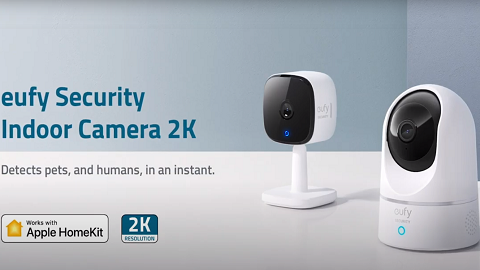
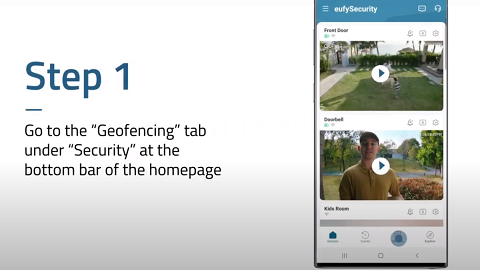
When you are using the Indoor Cam or Outdoor Cam at night, you can enable the camera's night vision in the eufy app. Here are two ways to enable night vision.

Turn On Night Vision in Camera Settings
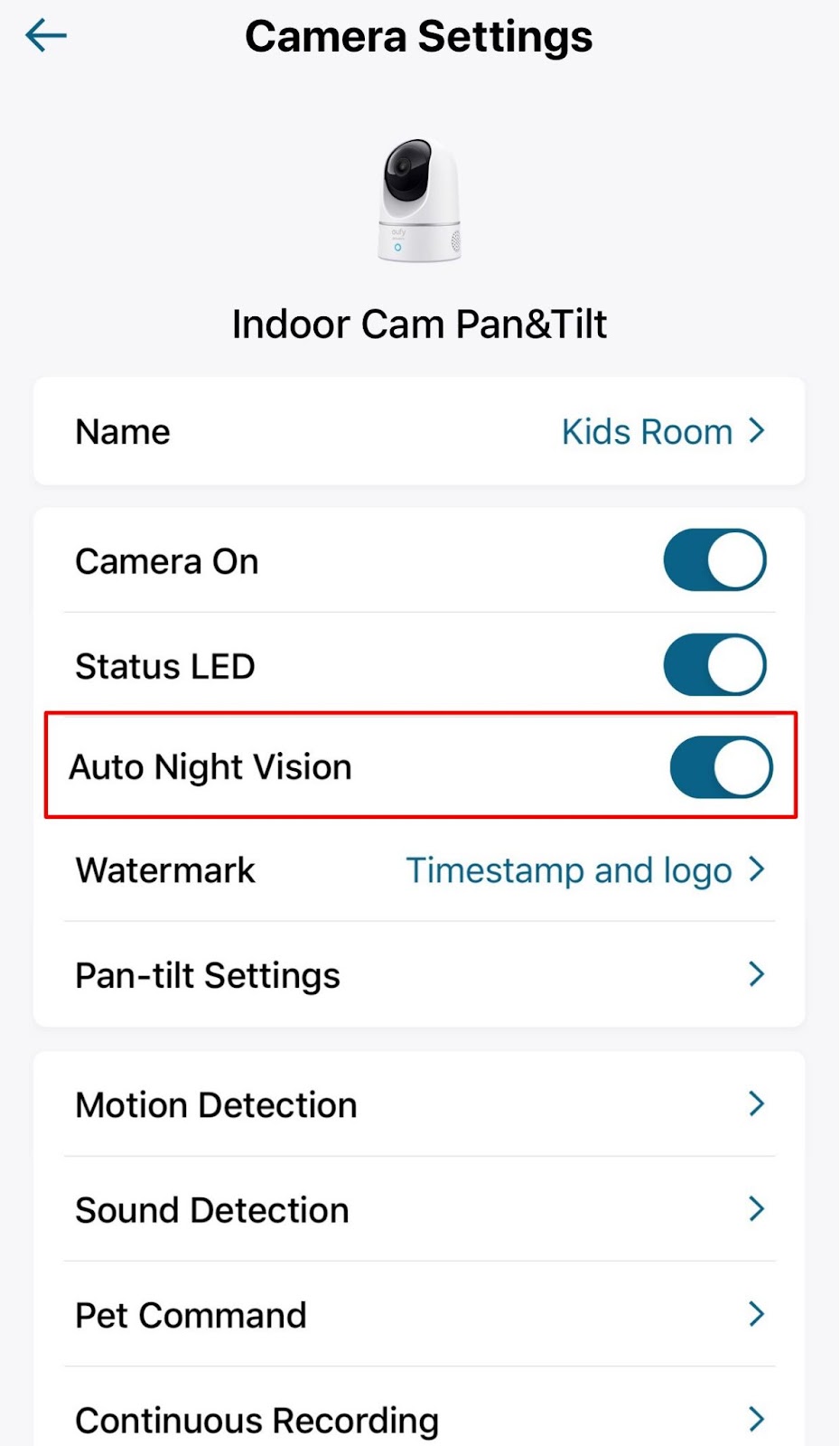
In Camera Settings, you will see “Auto Night Vision” for indoor/outdoor cam. You can toggle the button to enable Night Vision.
If there is no external light or spotlight for the indoor/outdoor cam, you will see black and white images when you are livestreaming the indoor/outdoor cam. When Spotlight is enabled, the picture shown will be in color even at night.
Steps in the eufy app: My Device > Indoor/Outdoor Cam > Camera Settings > Auto Night Vision.
Turn On Night Vision in Camera Live View Screen
When you haven’t enabled the Night Vision feature, the images at night will be very dark. You can also enable the Night Vision feature in the live view screen by clicking the Auto Night Vision button .


You can also easily turn off the Night Vision feature by toggling it to the left or tapping the Night Vision button.
If you have any questions, please contact eufy customer support for further assistance.