How to View eufySecurity Cameras on a Computer

You can view your eufy cameras on your computer instead of needing your phone!
 

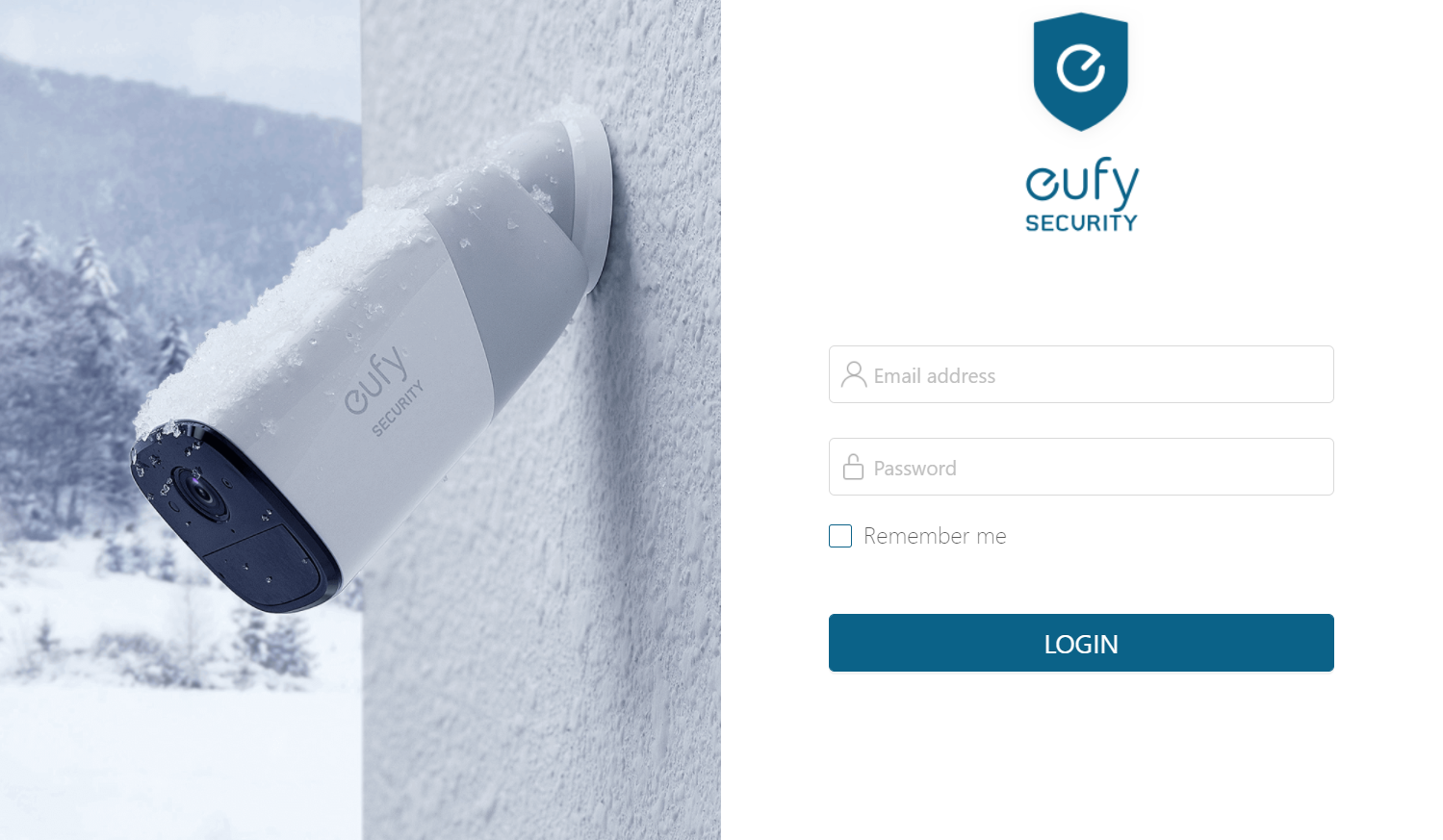
Please access the web portal to view cameras on a desktop. To log in on a desktop, simply enter the same email address and password that you use to log in to the eufy app. Here is the link for your reference: https://mysecurity.eufylife.com/


If you have any other questions regarding how to view eufySecurity cameras on a computer, please contact us for further assistance.

Unresolved icon
678 undefined
Download icon
SoloCam_L40_manual_eu
Download icon
Floodlight Cam E340 User Guide (T8425)
Download icon
Floodlight Cam E340 User Guide
Download icon
Video Doorbell E340 User Guide
Download icon
T8200S_EU Declaration of Conformity
Download icon
Floodlight_Cam_2_Pro_manual_us
View More
Play videoHow to Mount Your eufyCam E
How to Mount Your eufyCam E
Play videoHow to Mount Your eufyCam
How to Mount Your eufyCam
Play videoHow to Mount Your eufyCam
How to Mount Your eufyCam
Play videoHow to Mount Your eufyCam
How to Mount Your eufyCam
Play videoHow to Mount Your eufyCam
How to Mount Your eufyCam
Play videoHow to Mount Your eufyCam
How to Mount Your eufyCam
View More
Contact Us
Buy on the eufy Store
Download the App
affirmamazonPayamexapplePaydinnersClubdiscovergooglePaymastercardpaypalshopPayvenmovisa