How to create a new passcode for the Smart Lock R10?
You can set a new passcode according to the following steps:
1. Tap your Smart Lock R10 on the devices page in the eufy app.
2. Tap "Manage Access" at the bottom right corner of the screen.
3. Tap "Add Access" and follow the instruction to add passcodes for your family and friends.
Note: If you only want people to have access to your smart lock for a certain period of time, you can set the "Access Time" accordingly in the app.

If you have any questions, please contact us for further assistance.


20 undefined
What happens if the eufy smart lock battery dies?


How many passcodes and fingerprints can the eufy smart lock store?
Where is the keyhole on eufy smart locks?
How to lock and unlock the door using passcode for eufy smart locks?
How to Charge eufy Smart Lock
eufy Security / eufy Pet / eufy Baby Devices Go Offline
How to open specific router ports for eufy devices?
Update Firmware for eufy Devices via App
Failed to Scan the QR Code on the eufy Device
How to connect eufy devices to your phone using a mobile hotspot?

Smart_Lock_R10_manual_us

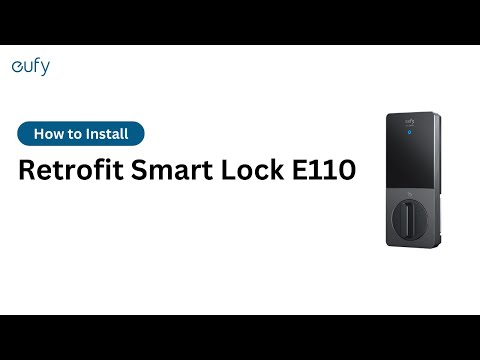
How to install eufy E110(R10) Retrofit Smart Lock?

eufy App Functions


