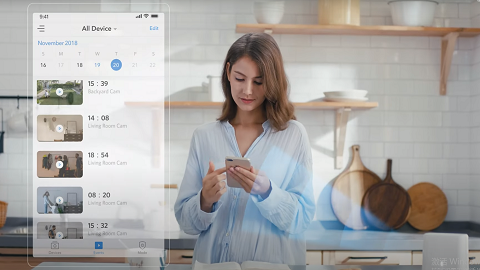
How to figure out a device's battery percentage in the eufy app v4.0?

The battery percentage to show the remaining power of a device will not display on the device tab. 


To figure out the battery percentage of a device's remaining power, please click the "..." icon to find the Settings button. (App Side Bar -> Settings -> Power Manager)


However, there should be a "lightning" icon next to the battery icon on the device tab when a device is charging.


Unresolved icon
20 undefined
Download icon
T8210_Video Doorbell 2K (Battery-Powered)_EU_QSG
Download icon
T8213_Video Doorbell Dual_EU_QSG
Download icon
eufyCam_2_Pro_Set_Manual_us
Download icon
T8220_Video Doorbell Slim_EN_QSG
Download icon
T8214_Video Doorbell E340_EU_QSG
Download icon
SoloCam_L40_manual_eu
View More
Play video
How to Mount Your eufyCam E
Play video
How to Mount Your eufyCam
Play video
eufy Security Video Doorbell 2K (Battery-Powered) Setup Video
Play video
How to Set the Automation Function
Play video
How to set up eufy Security Video Doorbell (Battery-Powered)
Play video
Introducing eufy Security eufyCam 2 Pro
View More
Contact Us
Buy on the eufy Store
Download the App
affirmamazonPayamexapplePaydinnersClubdiscovergooglePaymastercardpaypalshopPayvenmovisa