Learn about Continuous Recording

Your camera supports continuous recording when you insert a formatted microSD card, and you can set the record duration:

  • 24/7: Your camera will continuously record.
  • Customize Schedule: You can set a period of time for specific recording.

All videos will be recorded based on the quality settings you've configured. You can find these settings under: Settings -> Video Settings -> Recording Quality.

Maximum Storage Time of Single View Mode

Resolution

View Mode

32GB

64GB

128GB

Clear

4K

Single View

30 hours

(1.25 days)

60 hours

(2.5 days)

120 hours

(5 days)

Smooth

2K

Single&Dual View

60 hours

(2.5 days)

120 hours

(5 days)

240 hours

(10 days)

Fairly Smooth

(Default)

1080P

Single&Dual View

96 hours

(4 days)

192 hours

(8 days)

384 hours

(16 days)

Most Space-Saving

720P

Single&Dual View

120 hours

(5 days)

240 hours

(10 days)

480 hours

(20 days)

* The storage duration mainly depends on the video record quality settings. As the camera uses H.265 encoding to provide higher video quality at lower bitrates, with continuous 24/7 recording at the highest 3K resolution, it can record for up to approximately 144 hours(6 days).

How to View Continuous Recordings

In the eufy Security app devices page, select the camera you want to view. Click the Playback button on the Devices or Live View page to view all videos recorded in the last 24 hours. The date can be changed if you want to review videos further back.

How to Delete Continuous Recordings

Tap the delete button and choose between these options:

Delete all: All the video clips in the time slot will be deleted.

Store events: Choosing this option will move videos in this time period to a reserve folder. Other recordings will be deleted.

Note:

To guarantee microSD cards can have a long lifespan of use with your camera, the resolution of recording video was set to 1080p. This is because the typical microSD card typically lasts about 500 overwriting cycles.

Unresolved icon
67 undefined
Download icon
Indoor_Cam_2K_Pan&Tilt_manual_eu
Download icon
Indoor_Cam_2K_Pan&Tilt_manual_us
Download icon
V01_T8410C_QSG
Download icon
T8410_Indoor Cam 2K Pan & Tilt_INT_QSG
Download icon
Indoor_Cam_1080p_Pan&Tilt_manual_us
Download icon
Indoor_Cam_1080p_Pan&Tilt_manual_eu
View More
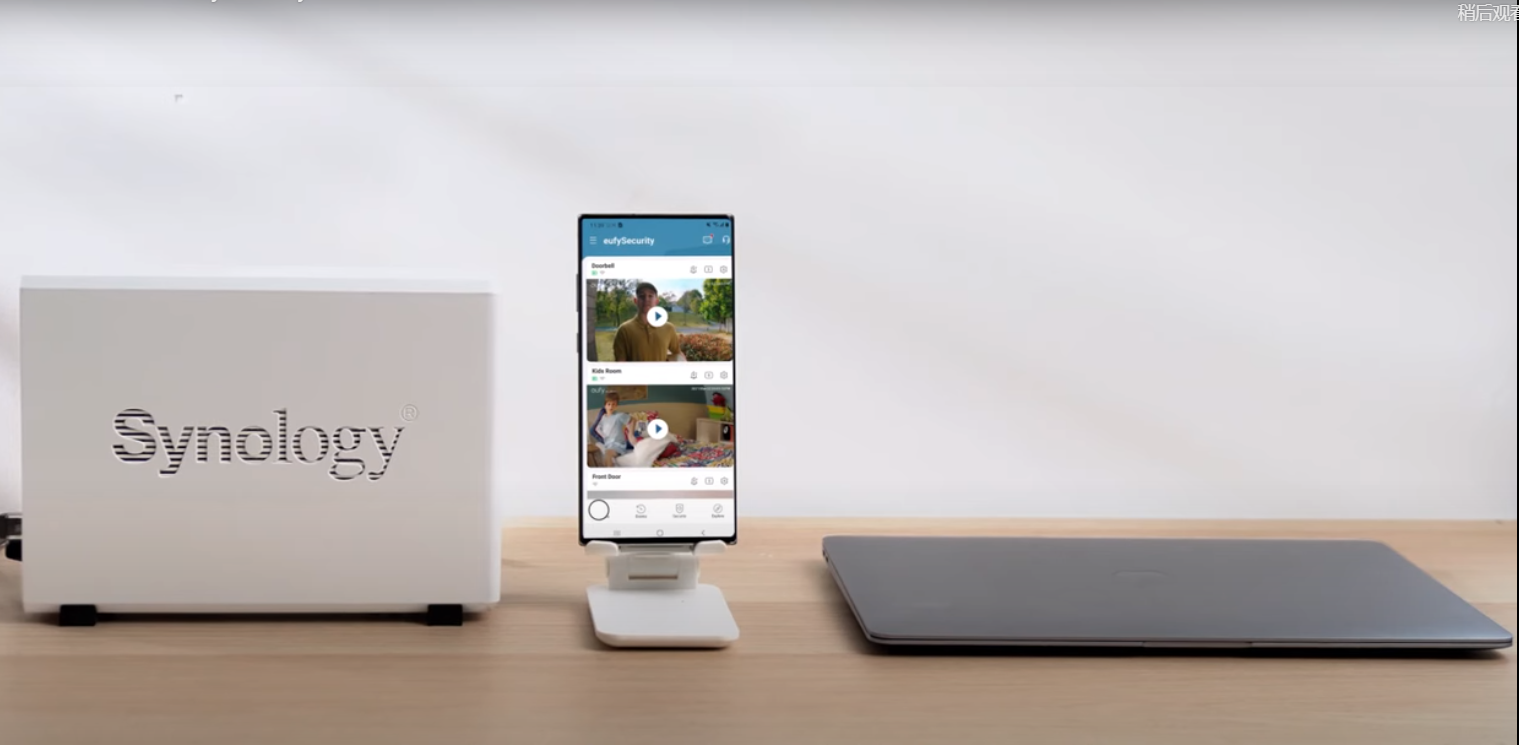
Play videoHow to Use NAS to Control eufy Security Products
How to Use NAS to Control eufy Security Products
Play videoHow to Use Geofencing on eufySecurity App
How to Use Geofencing on eufySecurity App
Play videoIntroducing eufy Security Indoor Cam 2K Pan & Tilt
Introducing eufy Security Indoor Cam 2K Pan & Tilt
Play videoHow Do I Connect My eufy Cameras with Amazon Alexa
How Do I Connect My eufy Cameras with Amazon Alexa
Play videoHow Do I Connect My eufy Cameras to the Google Assistant App
How Do I Connect My eufy Cameras to the Google Assistant App
Play videoHow to Share Account Access of eufySecurity Devices
How to Share Account Access of eufySecurity Devices
View More
Contact Us
Buy on the eufy Store
Download the App
affirmamazonPayamexapplePaydinnersClubdiscovergooglePaymastercardpaypalshopPayvenmovisa