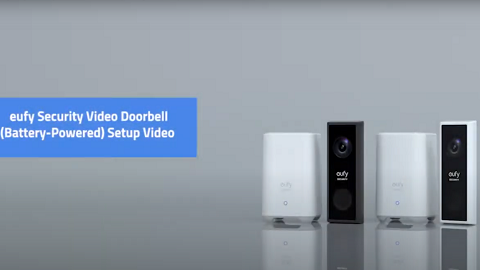
eufy Battery Video Doorbell is equipped with a built-in lithium-ion battery and the battery usually lasts four to six months under normal usage before the battery needs to be recharged. If your eufy Battery Video Doorbell is discharging quickly, it is usually due to the following reasons.
Note: Please visit Recharge the Battery of Battery Doorbell for detailed instructions on how to recharge your Battery Video Doorbell.
Motion Detection Setting
Please launch the eufy app > select your Battery Video Doorbell > Doorbell Settings > Motion Detection, and then adjust the Sensitivity accordingly. The motion detection sensitivity has five settings, it is highly recommended to test each setting until you are able to find an ideal setting based on your usage environment.
Note: Setting the doorbell to Human Only under Detection Type will also eliminate unnecessary motion detection and save on battery usage if you do not need the doorbell to detect any non-human motion activities.
Power Manager Setting
Please launch the eufy app > select your Battery Video Doorbell > Doorbell Settings > Power Manager.
Currently, there are four options:
- Optimal Battery Life:
- Doorbell does not detect any motion and it will only record when someone rings the doorbell.
- The LED indicator on the doorbell is turned off.
- Balance Surveillance:
- Each video recording length is up to 30 seconds.
- Doorbell automatically adjusts the detection time period to reduce the frequency of detecting the same object twice in a short period of time.
- Optimal Surveillance:
- Each video recording length is up to 60 seconds.
- Doorbell automatically attempts to record each event as frequently as possible.
- Customize Recording:
- Each video recording length can be customized up to 120 seconds.
- Doorbell automatically detects motion as frequently as possible, which may drain the battery quicker.
Please do not use third-party plug-ins, clients, and scripts. Some of these are incompatible with eufy products or not well developed, which might lead to faster power consumption.
Note: some devices do not support Homekit, so using Homekit-associated script may also drain a lot of power.
Keep the eufy app at the latest version for all users
If you are still experiencing issues with your eufy Battery Video Doorbell discharging quickly, please contact us for assistance.