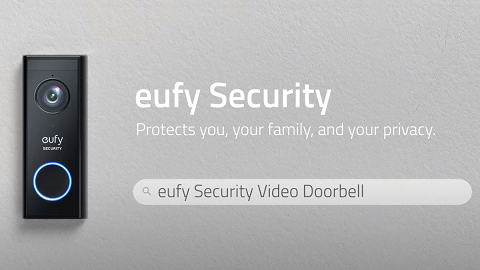
No Beep When Pressing Doorbell’s SYNC Button

 During the “Add Device” step, we will need to press the SYNC button of the device to update the device's setting. The Beep sound will help to add the device to the system.

When there is no beep when pressing the SYNC button, we can do the following to solve the issue.


1. Press and hold the SYNC button for at least 2 seconds.

2. If it still has no Beep sound after being pressed for more than 2 seconds, try charging the doorbell for 10 minutes, then try again by pressing the SYNC button. (For Battery Doorbells)


If you still have questions, please contact us for further assistance. 
Unresolved icon
20 undefined
Download icon
eufy Security Video Doorbell 1080p (Battery-Powered) User Guide (E8222)
Download icon
Monitoring_sticker
Download icon
Video_Doorbell_Chime_with_USB_Dongle_manual_en
Download icon
T8220_Video Doorbell Slim_EN_QSG
Download icon
Add-on_Video_Doorbell_2K_(Battery-Powered)_manual_eu
Download icon
Video_Doorbell_2C_(Battery-Powered)_manual_eu
View More
Play video
eufy Security Video Doorbell 2K (Battery-Powered) Setup Video
Play video
How to Set the Automation Function
Play video
How to set up eufy Security Video Doorbell (Battery-Powered)
Play video
Introducing eufy Video Doorbell 2K (Battery-Powered)
Play video
How Do I Connect My eufy Cameras with Amazon Alexa
Play video
How Do I Connect My eufy Cameras to the Google Assistant App
View More
Contact Us
Buy on the eufy Store
Download the App
affirmamazonPayamexapplePaydinnersClubdiscovergooglePaymastercardpaypalshopPayvenmovisa