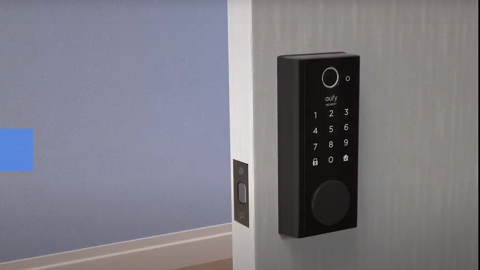
To install your eufy devices well, you might need to check if you meet the requirements of the installation. Let's see the details.
Internet requirements
1. 2.4 GHz Wi-Fi Network with a WPA/WPA2 protocol
eufy devices cannot be connected to a 5GHz network.
2. Internet with at least 2Mbps upload speed
3. Your Wi-Fi network password
Note: For devices that must work with HomeBase, the Homebase must connect with your home router with an ethernet cable during the setup process for the first time. After setup, you can switch the HomeBase to a Wi-Fi connection. Here are the steps.
Anker eufy app
To download the mobile app for your Apple or Android device, visit your device's app store and search for Anker eufy app.
1. Apple devices
The Anker eufy app needs iOS 11 or above operating system of phone to work properly. You can also download it here.
2. Android devices
The Anker eufy app needs Android 8.0 or above operating system of phone to work properly. You can also download it here.