The Meaning of Battery Icons on eufy App
To illustrate the meaning of battery icons on battery cameras or battery doorbells.
How to View Your Battery Level
1. Open the eufy App and choose one battery camera/battery doorbell.
2. Tap the camera settings that you want to check and you will see a battery icon under the name of the battery camera/battery doorbell.
Battery Icons
The following picture shows the status of the battery.

If the battery doorbell has been hardwired, the icon will appear as a green plug. See the picture below.


464 undefined

SoloCam_L40_manual_eu
Video Doorbell E340 User Guide
Add-on_eufyCam_E_manual_us
Add-on_eufyCam_2C_Pro_manual_us
Monitoring_sticker
Monitoring_sticker
View More

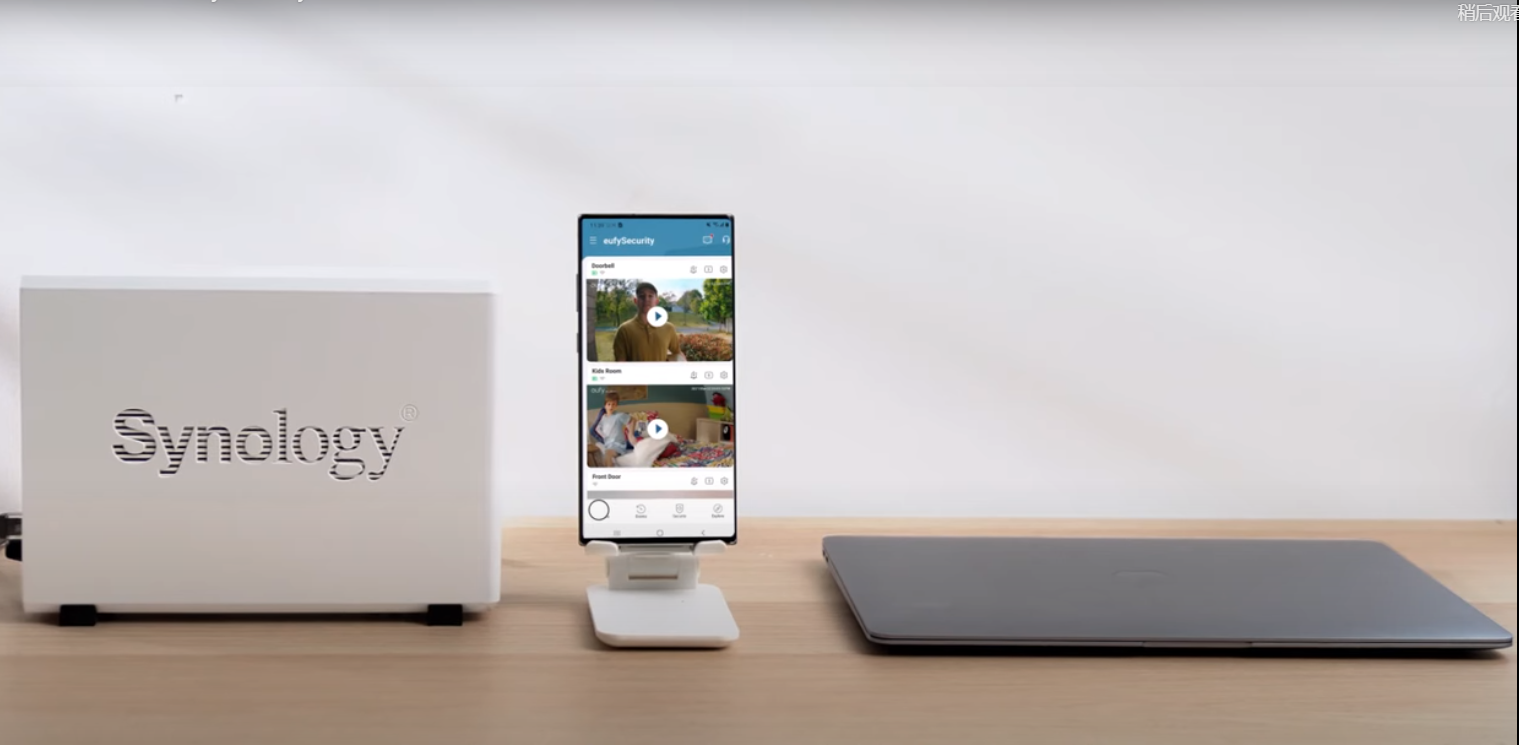
How to Use NAS to Control eufy Security Products
How to Use NAS to Control eufy Security Products
How to Use NAS to Control eufy Security Products
How to Use NAS to Control eufy Security Products
How to Use NAS to Control eufy Security Products
How to Use NAS to Control eufy Security Products
View More


