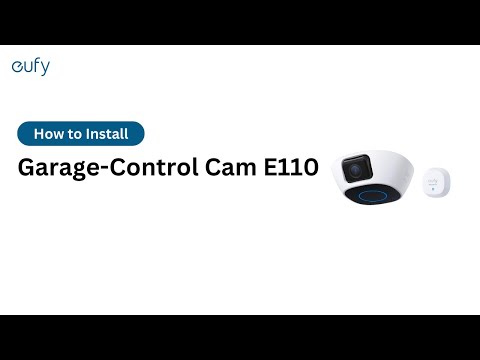
The Timestamp in the Videos Recorded by the Garage-Control Cam Is Incorrect

If the timestamp in the videos recorded by your Garage-Control Cam is incorrect, please try the following troubleshooting steps to verify if the issue can be resolved.

 
  1. Please confirm your current timezone settings in the eufy Security app to make sure the correct timezone is selected. You can check the settings by going to the Devices tab > Garage-Control Cam > “...” icon > Gear icon > Camera Settings > General > Timezone.
 
  1. If the timezone is already set to the correct location, please try setting it to another timezone and then set it back to the correct timezone for the system to refresh the settings.

If the timestamp in the videos recorded by your Garage-Control Cam is still incorrect, please contact us for assistance.
Unresolved icon
81 undefined
Download icon
‬⁡‌​⁢‬⁣‬‌⁢⁣‌⁣⁢⁢​⁤​⁣‬‬​‌​​⁣‌⁡‍‬​‬‍⁢⁤‍⁣​‍‌​‬⁢【T8010】【HomeBase 2】EU Declaration
Download icon
T8113S_EU Declaration of Conformity
Download icon
eufyCam_2C_Pro_Set_Manual_us
Download icon
RoboVac 30C_Manual_EN
Download icon
video_Doorbell_2K_(Wired)_Manual_us
Download icon
Motion_Sensor_manual_us
View More
Play videoHow to Connect RoboVac to iOS Devices
How to Connect RoboVac to iOS Devices
Play videoeufy 3-in-1 E20: Unboxing and Quick Start Guide Video
eufy 3-in-1 E20: Unboxing and Quick Start Guide Video
Play videoHow to Install eufy Security Video Doorbell (Wired)
How to Install eufy Security Video Doorbell (Wired)
Play videoHow to set up eufy Security Video Doorbell (Battery-Powered)
How to set up eufy Security Video Doorbell (Battery-Powered)
Play videoHow to Install eufy Security Floodlight Camera
How to Install eufy Security Floodlight Camera
Play videoeufy Security App Functions
eufy Security App Functions
View More
Contact Us
Buy on the eufy Store
Download the App
affirmamazonPayamexapplePaydinnersClubdiscovergooglePaymastercardpaypalshopPayvenmovisa