The charging case cannot charge the Wearable Breast Pump S2 (T600P) breast pump.

1. Please double-check the connection following the steps in the Quick Start Guide (QSG): Align the pins, release to allow them to fully engage, and confirm that the indicator light is flashing white.


2. Press the battery indicator button on the charging case and check the indicator light to ensure the charging case is powered on.


3. The charging case will automatically stop charging once the breast pump is fully charged. The charging case will also stop charging if the breast pump is already fully charged—this is normal.


4. If it still cannot charge, please refer to the "Breast Pump Won't Start" FAQ or contact customer service.


If the above methods are ineffective, please perform a hard reset of the charging case: Press and hold the charging case button for 2 seconds.


If you have any other questions, please don't hesitate to contact eufy Support Engineers for further assistance.

Unresolved icon
76 undefined
Download icon
eufy Wearable Breast Pump S2 Pro User Guide (T600P)
Play videoHow to Assemble eufy Wearable Breast Pump S2 / S2 Pro
How to Assemble eufy Wearable Breast Pump S2 / S2 Pro
Play videoHow to Use the eufy App for eufy Wearable Breast Pump S2 / S2 Pro
How to Use the eufy App for eufy Wearable Breast Pump S2 / S2 Pro
Play videoHow to Clean eufy Wearable Breast Pump S2 / S2 Pro
How to Clean eufy Wearable Breast Pump S2 / S2 Pro
Play videoHow to End a Session and Transfer Milk with eufy Wearable Breast Pump S2 / S2 Pro
How to End a Session and Transfer Milk with eufy Wearable Breast Pump S2 / S2 Pro
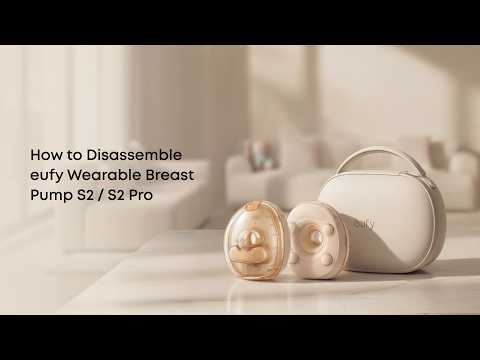
Play videoHow to Disassemble eufy Wearable Breast Pump S2 / S2 Pro
How to Disassemble eufy Wearable Breast Pump S2 / S2 Pro
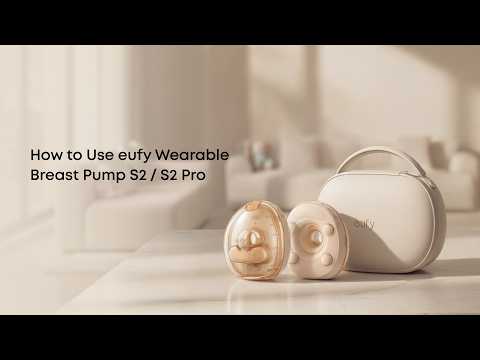
Play videoHow to Use eufy Wearable Breast Pump S2 / S2 Pro
How to Use eufy Wearable Breast Pump S2 / S2 Pro
Contact Us
Buy on the eufy Store
Download the App
affirmamazonPayamexapplePaydinnersClubdiscovergooglePaymastercardpaypalshopPayvenmovisa