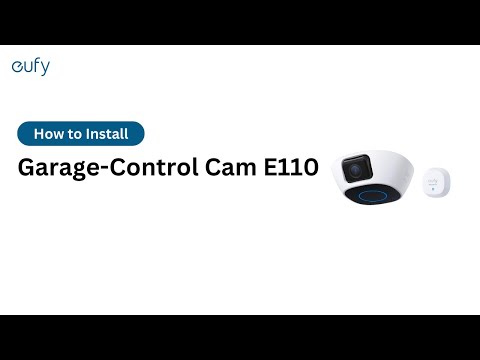
There Is No Sound When I View the Live Stream of the Garage-Control Cam
If your Garage-Control Cam does not play any sound when you are watching the live stream, please try the following troubleshooting steps to verify if the issue can be resolved.
Please check if you have disabled the Speaker icon on the live view screen.
Please check if you have enabled both Microphone and Speaker settings in the camera’s Audio Settings page. You can check the settings by going to the Devices tab > Garage-Control Cam > “...” icon > Gear icon > Camera Settings > Audio Settings > verify both Microphone and Speaker settings have been enabled.
If your Garage-Control Cam’s live stream still does not play any sound, please contact usfor assistance.