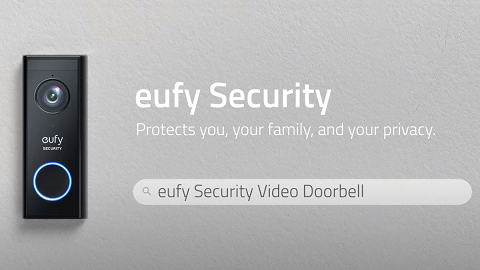
Too Many False Detection for Battery Doorbell


Battery doorbells (2K and 1080P) have PIR sensors. If it is obviously triggered by the same object or facing a complex street (like car tires, pillars, chandeliers, shadows, roads, windows, etc.), it is recommended the following methods to reduce the false detection.


Some Suggestions for Solving False Detection

1. Set the Activity Zone.


2. Try to turn down the Sensitivity in eufy App.


3. Go to Motion Detection> Choose “Human only” instead of “All Motions”.


If Problem Still Persists

If the issue persists, please contact us and provide us with the following information.

1. A picture to show your activity zone if it is set up. Steps: Side menu > My devices > Motion detection > Activity zone.

2. A picture to show sensitivity level.

3. A picture or a video to show which was false triggered.

Unresolved icon
20 undefined
Download icon
eufy Security Video Doorbell 1080p (Battery-Powered) User Guide (E8222)
Download icon
Monitoring_sticker
Download icon
Video_Doorbell_Chime_with_USB_Dongle_manual_en
Download icon
T8220_Video Doorbell Slim_EN_QSG
Download icon
Add-on_Video_Doorbell_2K_(Battery-Powered)_manual_eu
Download icon
Video_Doorbell_2C_(Battery-Powered)_manual_eu
View More
Play video
eufy Security Video Doorbell 2K (Battery-Powered) Setup Video
Play video
How to Set the Automation Function
Play video
How to set up eufy Security Video Doorbell (Battery-Powered)
Play video
Introducing eufy Video Doorbell 2K (Battery-Powered)
Play video
How Do I Connect My eufy Cameras with Amazon Alexa
Play video
How Do I Connect My eufy Cameras to the Google Assistant App
View More
Contact Us
Buy on the eufy Store
Download the App
affirmamazonPayamexapplePaydinnersClubdiscovergooglePaymastercardpaypalshopPayvenmovisa