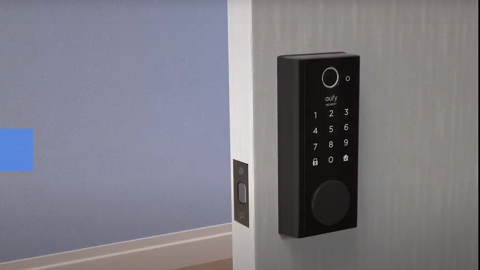
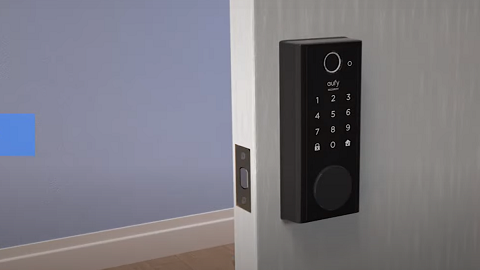
In the ever-evolving world of technology, the need for security and convenience has led to the development of innovative solutions such as Smart Locks. These devices, when paired with applications like the eufy Security app, offer users a seamless and secure way to control access to their homes or offices.
However, during the installation process on Android devices, users may notice that the eufy Security app requests for location permissions. This has raised questions and concerns among users, prompting the need for a clear explanation.
The main reason for this requirement lies in the operating system of Android 6.0 and higher versions. For these versions, the eufy Security app needs a general connection to your device to access BLE (Bluetooth Low Energy) devices. BLE is a power-efficient Bluetooth technology designed for short-range communication between devices. In the case of a Smart Lock, the eufy Security app uses BLE to establish a connection with the lock, enabling it to send and receive commands.
However, to access BLE devices, the Android operating system requires an app to have location permissions. This is because BLE devices can be used to estimate a device's location, based on its proximity to the BLE device. It's important to note that while the eufy Security app requests for location permissions, it does not save or use this data for any other purposes other than establishing a connection with your Smart Lock device.
In conclusion, the request for location permissions during the installation of Smart Lock on Android devices is a necessary step to ensure the proper functioning of the eufy Security app with your Smart Lock. It is a requirement of the Android operating system, not an optional choice decided by the app developers, and the data is not saved or used for any other purposes.
Understanding this can help users feel more comfortable with granting these permissions, and it is all in the name of ensuring a secure and efficient operation of your Smart Locks.
If you have any further questions regarding the eufy Security app, please don’t hesitate to contact us for assistance.