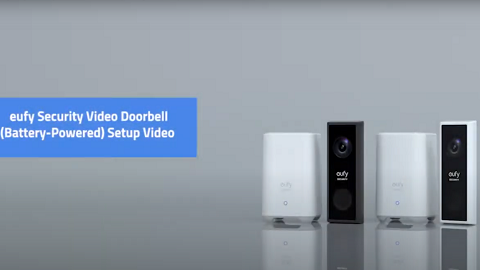
Video Doorbell and WiFi Smart Lock Integration

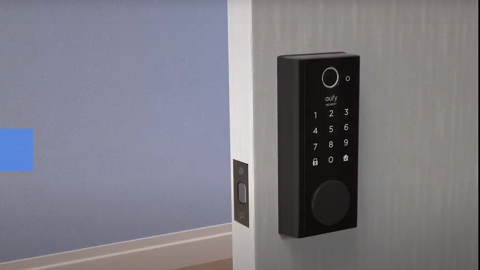
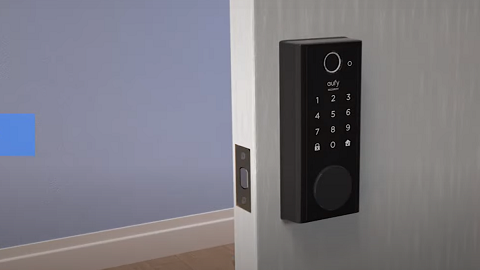
After listening to our valued customers’ user feedback, eufy is excited to announce eufy WiFi Smart Lock models and eufy Video Doorbell models can now be integrated.  Users can start enjoying the convenience of unlocking and locking eufy Smart Lock by first using eufy Video Doorbell to visually check who is at the door!


In order for the user’s WiFi Smart Lock to integrate with the Video Doorbell, please make sure both devices are connected on the same 2.4GHz WiFi network and are set up under the same eufy app account.  Additionally, please note Smart Lock models that do not have built-in WiFi capability will need to be first connected to eufy WiFi Bridge in order to integrate the Smart Lock with the Video Doorbell.


Once the user has verified both the WiFi Smart Lock and the Video Doorbell are connected on the same WiFi network and also set up under the same eufy account, please simply launch the Video Doorbell’s live view in the eufy app to either manually unlock or lock the Smart Lock.


When the Smart Lock is in the locked position, tap the knob icon to unlock the Smart Lock:


When the Smart Lock is in the unlocked position, tap the knob icon to lock the Smart Lock:


If you still have questions regarding eufy Video Doorbell and Smart Lock integration, please contact us for further assistance.

Video Doorbell and WiFi Smart Lock Integration
381 undefined
S380 HomeBase (HomeBase 3) Compatibility
196729 views/35 likes/2024-12-25 14:45:40
How to View eufySecurity Cameras on a Computer
56305 views/10 likes/2025-04-07 18:27:47
Compatibility Between eufySecurity Devices
5805 views/1 likes/2025-11-17 15:19:54
What type of microSD card does eufySecurity device use?
37069 views/4 likes/2025-04-07 18:27:10
Share Your eufySecurity Devices With Your Family
34454 views/6 likes/2025-04-07 18:27:23
Introducing Cloud Backup
22061 views/1 likes/2025-04-15 14:12:20
Two-Step Verification for eufySecurity App
41503 views/10 likes/2025-04-07 18:27:11
How to Find Out if You Have 2.4 GHz or 5 GHz WiFi Network
25713 views/1 likes/2025-04-07 18:05:46
How to Change the Wi-Fi Details for eufySecurity Devices
23920 views/2 likes/2025-04-15 15:48:16
Differences Between All eufy Doorbells
46172 views/5 likes/2025-04-03 15:51:05
‬⁡‌​⁢‬⁣‬‌⁢⁣‌⁣⁢⁢​⁤​⁣‬‬​‌​​⁣‌⁡‍‬​‬‍⁢⁤‍⁣​‍‌​‬⁢【T8010】【HomeBase 2】EU Declaration
T8113S_EU Declaration of Conformity
eufyCam_2C_Pro_Set_Manual_us
RoboVac 30C_Manual_EN
video_Doorbell_2K_(Wired)_Manual_us
Motion_Sensor_manual_us
View More
How to Connect RoboVac to iOS Devices
eufy 3-in-1 E20: Unboxing and Quick Start Guide Video
How to Install eufy Security Video Doorbell (Wired)
How to set up eufy Security Video Doorbell (Battery-Powered)
How to Install eufy Security Floodlight Camera
eufy Security App Functions
View More