What do I do if my camera goes offline?
Most likely this is the result of your HomeBase losing connection to the Internet.
1. Please check if the ethernet cable and power adapter are inserted firmly; If yes, the HomeBase status LED and the LED on the Ethernet port will both light.
2. Please check if your router can access the Internet successfully.
3. Please try to restart the HomeBase by remounting the power adapter.
4. If the above operations still cannot solve it, please try to remove the HomeBase and add the HomeBase and eufyCam again.
If the issue persists, please contact us for assistance.


108 undefined

eufyCam_E330 (Professsional)_4-Cam_Kit_QSG_EU
eufyCam_E330 (Professsional)_Add_On_QSG_EU
T8600 eufyCam E330 (Professional) EU Declaration of Conformity
eufyCam E330 (Professional) User Guide (T8600)
V1_T8160C_QSG_CS
V1_T8160C_QSG_FI
View More


eufyCam E330 Installation Guide - adjust the angle vertically

eufyCam E330 Installation Guide - adjust the angle horizontally

How to Schedule Your eufySecurity Devices

eufy Security App Functions
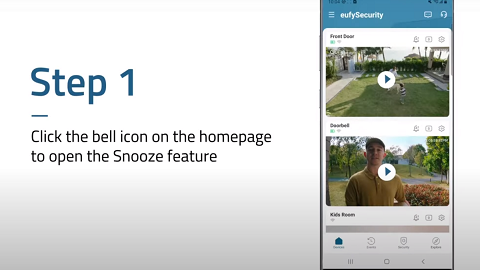
How to Turn On / Off the Snooze Feature
How to Schedule Your eufySecurity Devices
View More


