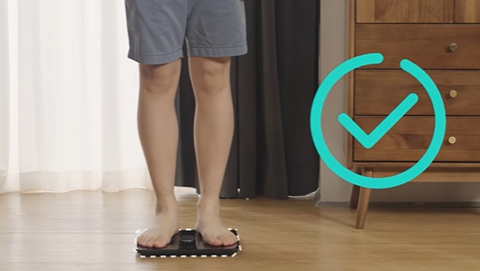
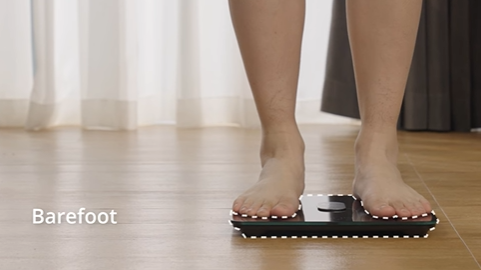
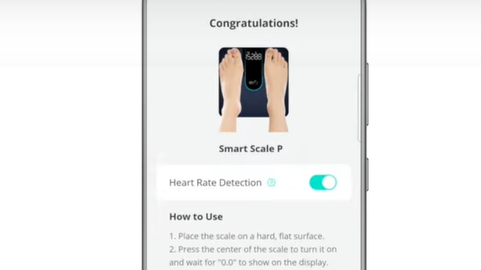
What is the Simple Mode of Smart Scale P1, P2 series and P3?

Smart scale works by calculating a safe current running through the body when measurements are taken. Due to this reason, it is not suitable for pregnant women and users with pacemakers.


Switching to Simple Mode stops the current from flowing and the scale will only calculate simple data like body weight and BMI.


Users can turn on and turn off the "Simple Mode" on the Eufy app. Please follow the steps below to find the Simple Mode on the Eufy app.

  1. Open the Eufy App and go to the eufy Care Devices tab.

  2. Select the device name, then tap the More icon to go to the Settings page and tap the Simple Mode button.

  3. Tap Simple Mode to turn it on or off.

If you have any further questions regarding the Eufy app, please contact us.

Unresolved icon
81 undefined
Download icon
eufy Smart Scale A1 User Guide (T9120)
Download icon
Smart Scale A1_T9120_EN+AR_Manual
Download icon
【T9120】 Smart Scale A1 EU Declaration
Download icon
Smart Scale P3_EN+AR_Manual
Download icon
Smart Scale P3_EU_Manual
Download icon
Smart Scale P3 User Guide (T9150)
View More
Play videoEufy BodySense Smart Scale
Eufy BodySense Smart Scale
Play videoeufy Smart Scale P2 Series: How to Troubleshoot Inaccurate Body Measurements
eufy Smart Scale P2 Series: How to Troubleshoot Inaccurate Body Measurements
Play videoeufy Smart Scale P2 Series: How to Troubleshoot Inaccurate Weight Measurements
eufy Smart Scale P2 Series: How to Troubleshoot Inaccurate Weight Measurements
Play videoeufy Smart Scale P2 Series Unboxing Video
eufy Smart Scale P2 Series Unboxing Video
Play videoeufy Smart Scale P2 Series: How to Connect iOS Devices
eufy Smart Scale P2 Series: How to Connect iOS Devices
Play videoeufy Smart Scale P2 Series: How to Connect Android Devices
eufy Smart Scale P2 Series: How to Connect Android Devices
View More
Contact Us
Buy on the eufy Store
Download the App
affirmamazonPayamexapplePaydinnersClubdiscovergooglePaymastercardpaypalshopPayvenmovisa