What should I do if my E15, E18 or E15Gen2 Robot Lawn Mower's STOP button is stuck?

The STOP button is a core component for the safe operation of the Robot Lawn Mower. If it becomes stuck, it poses a safety risk and might prevent the Robot Lawn Mower from stopping in an emergency situation.


If the STOP button becomes stuck on your Robot Lawn Mower, please follow the troubleshooting steps listed below:

  1. Check if there is any foreign object obstructing or lodged on the STOP button.

  2. If no foreign object is present, attempt to reboot the Robot Lawn Mower.

  3. If the issue persists, please contact eufy Support Engineers for further assistance.


If you have any other questions about the E15, E18 or E15Gen2 Robot Lawn Mower, please contact eufy Support Engineers for further assistance.


Unresolved icon
20 undefined
Download icon
eufy Auto Robot Lawn Mower E15/E15 Solo/E18 User Guide (T2880 & T2801)
Download icon
【T2880】eufy Robot Lawn Mower E15 EU Declaration
Download icon
【T2801】eufy Robot Lawn Mower E18 EU Declaration
Download icon
Anker eufy Robot Lawn Mower E15 Gen2 User Guide (T280L)
Play video
eufy E15/E18 Lawn Mower Wi-Fi Connection (iOS/Android)
Play video
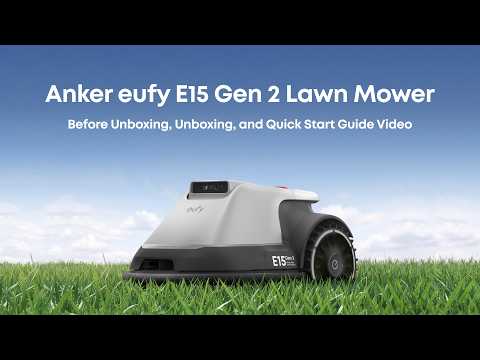
Anker eufy E15 Gen 2 Lawn Mower Before Unboxing, Unboxing, and Quick Start Guide Video
Play video
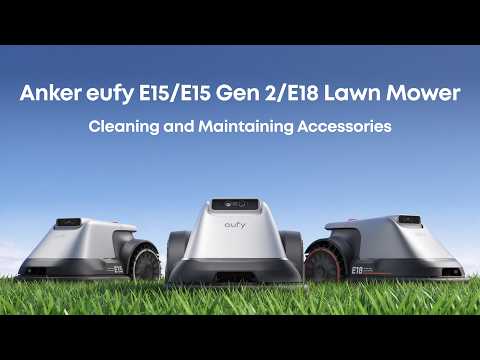
Anker eufy E15/E15 Gen 2/E18 Lawn Mower Cleaning and Maintaining Accessories
Play video
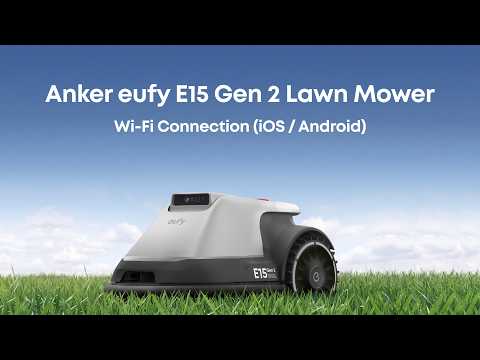
Anker eufy E15 Gen 2 Lawn Mower Wi-Fi Connection (iOS / Android)
Play video
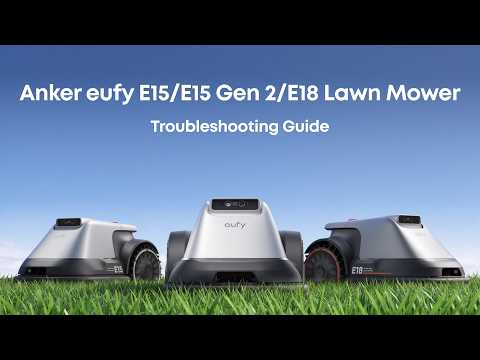
Anker eufy E15/E15 Gen 2/E18 Lawn Mower Troubleshooting Guide
Play video
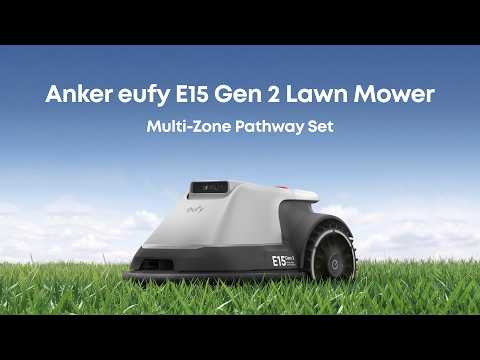
Anker eufy E15 Gen 2 Lawn Mower Multi-Zone Pathway Set
View More
Contact Us
Buy on the Anker eufy Store
Download the App
affirmamazonPayamexapplePaydinnersClubdiscovergooglePaymastercardpaypalshopPayvenmovisa