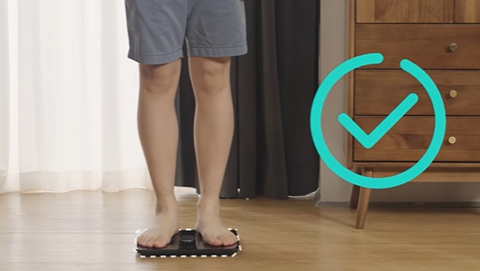
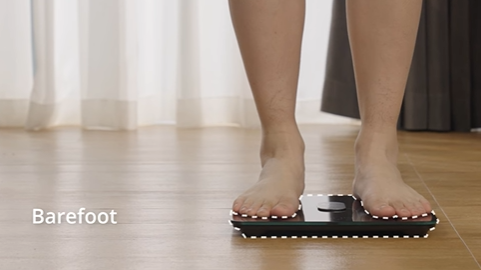
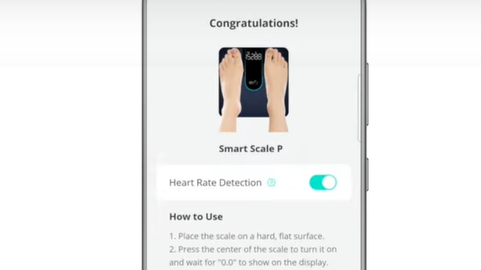
Eufy Smart Scale is connected to the phone via the Eufy App. Users do not have to pair the scale from their smartphone's Bluetooth menu, but only need to turn on Bluetooth on the phone, open the app, and add the device on the settings page on the Eufy App to pair (make sure to stand on the scale when pairing).
Once the Bluetooth signal on the scale is detected by the users' phone, the scale and the phone will be connected successfully. If you get an error message stating "incorrect pin or passkey" when pairing, please try the following and see whether they help:
1. Reboot your phone, if your phone's Bluetooth keeps on failing to connect to the scale, please try another phone if possible.
2. Reinstall batteries, and then turn the scale on.
3. Please remove this scale from your account (click "Remove Device" via the settings page in your Eufy App) then re-pair this scale if you have successfully paired it with your device before.
4. Enter the Eufy App and Add Device for searching the scale. Make sure that your scale also turns on (You can step on the scale when pairing).
5. Normally the Bluetooth icon on the LED blinks, showing that it tries to pair. Then it became solid, showing a successful connection and your App also should show the "Connected" status.