Where Is the QR Code Located on the Indoor Cam S350?

The QR code for the Indoor Cam S350 is located on the back of the device. 


Please refer to the following example:


Remember, the QR code plays an integral part when it comes to setting up your Indoor Cam S350; therefore, please make sure to avoid damaging the sticker. Happy scanning!


If you have any other questions about the IndoorCam S350, please don't hesitate to reach out to us for further assistance.

Unresolved icon
67 undefined
Download icon
Indoor_Cam_2K_Pan&Tilt_manual_eu
Download icon
Indoor_Cam_2K_Pan&Tilt_manual_us
Download icon
V01_T8410C_QSG
Download icon
T8410_Indoor Cam 2K Pan & Tilt_INT_QSG
Download icon
Indoor_Cam_1080p_Pan&Tilt_manual_us
Download icon
Indoor_Cam_1080p_Pan&Tilt_manual_eu
View More
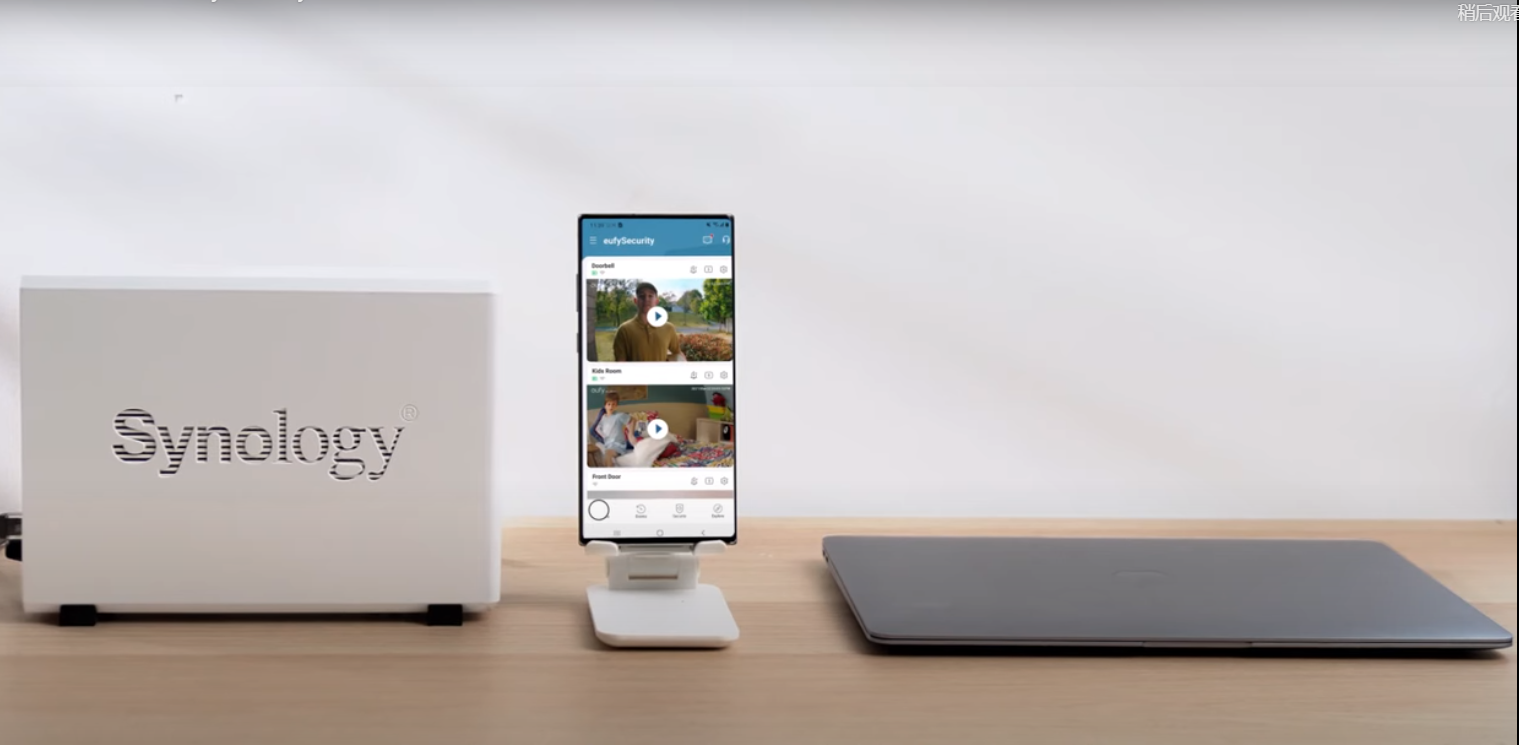
Play videoHow to Use NAS to Control eufy Security Products
How to Use NAS to Control eufy Security Products
Play videoHow to Use Geofencing on eufySecurity App
How to Use Geofencing on eufySecurity App
Play videoIntroducing eufy Security Indoor Cam 2K Pan & Tilt
Introducing eufy Security Indoor Cam 2K Pan & Tilt
Play videoHow Do I Connect My eufy Cameras with Amazon Alexa
How Do I Connect My eufy Cameras with Amazon Alexa
Play videoHow Do I Connect My eufy Cameras to the Google Assistant App
How Do I Connect My eufy Cameras to the Google Assistant App
Play videoHow to Share Account Access of eufySecurity Devices
How to Share Account Access of eufySecurity Devices
View More
Contact Us
Buy on the eufy Store
Download the App
affirmamazonPayamexapplePaydinnersClubdiscovergooglePaymastercardpaypalshopPayvenmovisa