Why can't I add Wearable Breast Pump S2 (T600P)/S2 Pro (T600P+T60A0) to the App? The L and R lights are flashing, but the App keeps scanning.
Step 1: Update to the latest version of the eufy app from your app store.
Step 2: Press + and − simultaneously for 2 seconds until the L and R indicator lights flash alternately, indicating pairing mode.
Step 3: Follow the in-app instructions to complete pairing.
If app cannot find the device: force close app > toggle Bluetooth off/on > turn pumps off/on > retry.
If you have any other questions, please don't hesitate to contact eufy Support Engineers for further assistance.


20 undefined
What is the difference between Wearable Breast Pump S2(T600P) and Wearable Breast Pump S1(T8D02)?


Why is my Wearable Breast Pump S2 (T600P)/S2 Pro (T600P+T60A0) producing less milk than expected/less than the S1 or other breast pumps?
Why is the milk output different on the left and right sides of my Wearable Breast Pump S2 (T600P)/S2 Pro (T600P+T60A0)?
Why can't my Wearable Breast Pump S2 (T600P)/S2 Pro (T600P+T60A0) be completely emptied/I always feel like there's still milk?

eufy Wearable Breast Pump S2 Pro / S2 User Guide (T600P)
eufy Wearable Breast Pump S2 Pro Kullanım Kılavuzu (T600P)
eufy Wearable Breast Pump S2 Pro/S2 Руководство пользователя (T600P)
eufy Wearable Breast Pump S2 Pro/S2 Пайдаланушы нұсқаулығы (T600P)

How to Clean eufy Wearable Breast Pump S2 / S2 Pro
How to Assemble eufy Wearable Breast Pump S2 / S2 Pro
How to Use the eufy App for eufy Wearable Breast Pump S2 / S2 Pro
How to End a Session and Transfer Milk with eufy Wearable Breast Pump S2 / S2 Pro
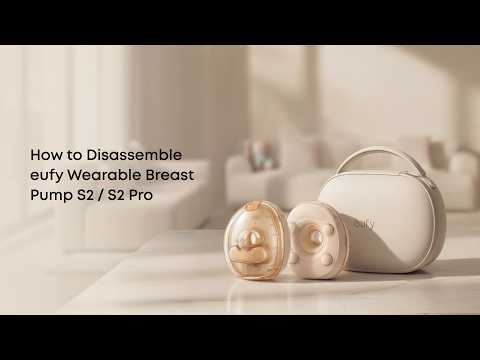
How to Disassemble eufy Wearable Breast Pump S2 / S2 Pro
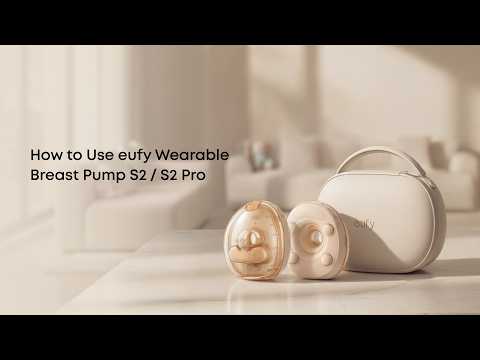
How to Use eufy Wearable Breast Pump S2 / S2 Pro


