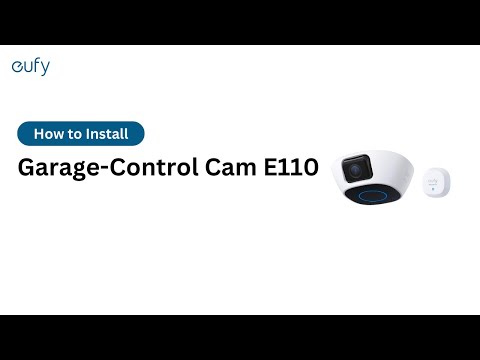
eufy Garage-Control Cam cannot be added to the eufy app
If your eufy Garage-Control Cam cannot be added, please try the following troubleshooting steps to verify if the issue can be resolved.
Please verify your router can access the Internet without issues.
Please make sure your 2.4GHz WiFi network has a strong and stable signal.
Please check your router’s firewall settings are not blocking access during the setup process, you may have to whitelist the camera depending on your router’s settings.
Please confirm your Garage-Control Cam is powered on with its LED indicator light on.
When setting up your Garage-Control Cam, please make sure you have successfully scanned the QR code located on the bottom of the camera, or you can also manually enter the camera’s serial number if the QR code failed to scan. Please visit How to set up eufy Garage-Control Cam in the eufy app for detailed instructions on how to add your eufy Garage-Control Cam.
If you are still experiencing issues adding your eufy Garage-Control Cam to the eufy app, please contact usfor assistance.