eufy SoloCam E40 Device Introduction
Product Overview
Front View

① LED indicator
② Camera lens
③ Microphone
④ Motion sensor
⑤ Photosensitive sensor
Rear View

⑥ Micro USB charging port
⑦ Mounting hole
⑧ SYNC button
- Press for 2 seconds to enter setup mode
- Press for 8 seconds until you hear two beeps to reset
Any questions, please contact us for further assistance.


20 undefined
Will my data be stolen if the device is being stolen?


Where is my data stored for SoloCams?
Why the shared account can’t view the Daily Security Report?
How to Unsubscribe Newsletter From Anker/Soundcore/eufy/Nebula?
A Quick Guide to eufy Protection Plan (Basic)
Unlock the Power of eufy | Camera Activity Zones
eufy Security / eufy Baby Devices Discharge Quickly
eufy Security / eufy Pet / eufy Baby Devices Go Offline
Image Quality Issues on eufy Security / eufy Baby / eufy Pet Devices

Monitoring_sticker
SoloCam_E40_manual_us
SoloCam_E40_manual_eu
T8131X_EU_Declaration_of_Conformity
T8131X_UK Declaration of Conformity


How Do I Connect My eufy Cameras with Amazon Alexa

How Do I Connect My eufy Cameras to the Google Assistant App

eufy App Functions

How to Schedule Your eufy Devices
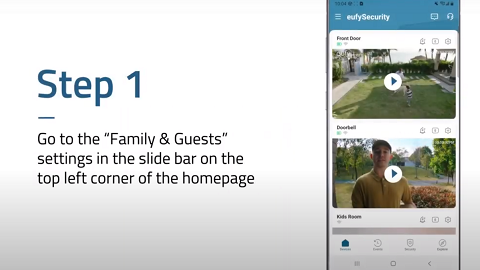
How to Share Account Access of eufySecurity Devices
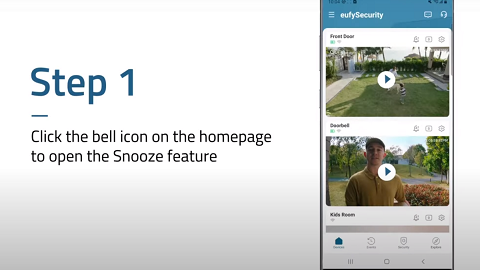
How to Turn On / Off the Snooze Feature


