eufySecurity Cameras/Doorbells Only Record the End of an Event

If some of your recorded videos only display the end of an event or miss some important part, it is possible that the detected object moved too fast or was at the edge of the detection zone. 


For this issue, you can try the following tips:


1. Turn up the Motion Detection sensitivity to extend the detection range, so that events can be detected earlier.


2. Adjust the Activity zone so that the camera can detect motion in a larger area.


3. Set the camera to Customize Recording mode. Try to lengthen the clip length or reduce the retrigger Interval in this mode.

Steps in App: Camera/Doorbell Settings (>General)>Power Manager > Working Mode.


4. Turn off “End clip early if the motion stops”.


Note: The Clip length value and Retrigger Interval value in the picture may not apply to your house. Find the balance between the battery and the recorded videos.


If the above instructions cannot solve your issue, please contact us for further assistance.
Unresolved icon
272 undefined
S380 HomeBase (HomeBase 3) Compatibility
215104 views37 likes/2024-12-25 14:45:40
HomeKit on eufySecurity Devices
153349 views7 likes/2025-04-07 18:37:55
How to View eufySecurity Cameras on a Computer
69336 views10 likes/2025-04-07 18:27:47
Compatibility Between eufySecurity Devices
18317 views1 likes/2025-11-17 15:19:54
What type of microSD card does eufySecurity device use?
49922 views4 likes/2025-04-07 18:27:10
Share Your eufySecurity Devices With Your Family
46739 views6 likes/2025-04-07 18:27:23
Using NAS Storage Step by Step
43809 views1 likes/2025-04-07 18:04:31
Introducing Cloud Backup
30686 views1 likes/2025-04-15 14:12:20
Which eufy cameras work with HomeKit?
215012 views44 likes/2023-01-06 11:49:40
Two-Step Verification for eufySecurity App
49156 views10 likes/2025-04-07 18:27:11
Download icon
eufyCam C35 사용자 가이드 (T8110)
Download icon
eufyCam C35 Uživatelská Příručka (T8110)
Download icon
eufyCam C35 Ghidul utilizatorului (T8110)
Download icon
eufyCam C35 Használati útmutató (T8110)
Download icon
eufyCam C35 Používateľská príručka (T8110)
Download icon
eufyCam C35 Navodila uporabnika (T8110)
View More
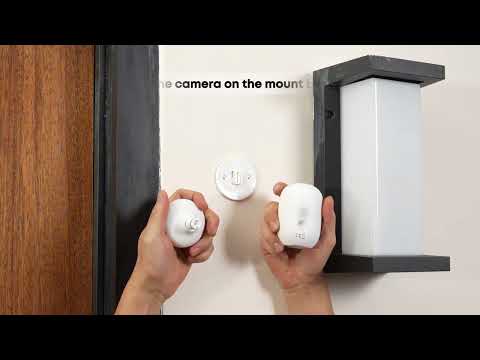
Play videoHow to Install the Mutli-Functional Mount Bracket for eufyCam C35
How to Install the Mutli-Functional Mount Bracket for eufyCam C35
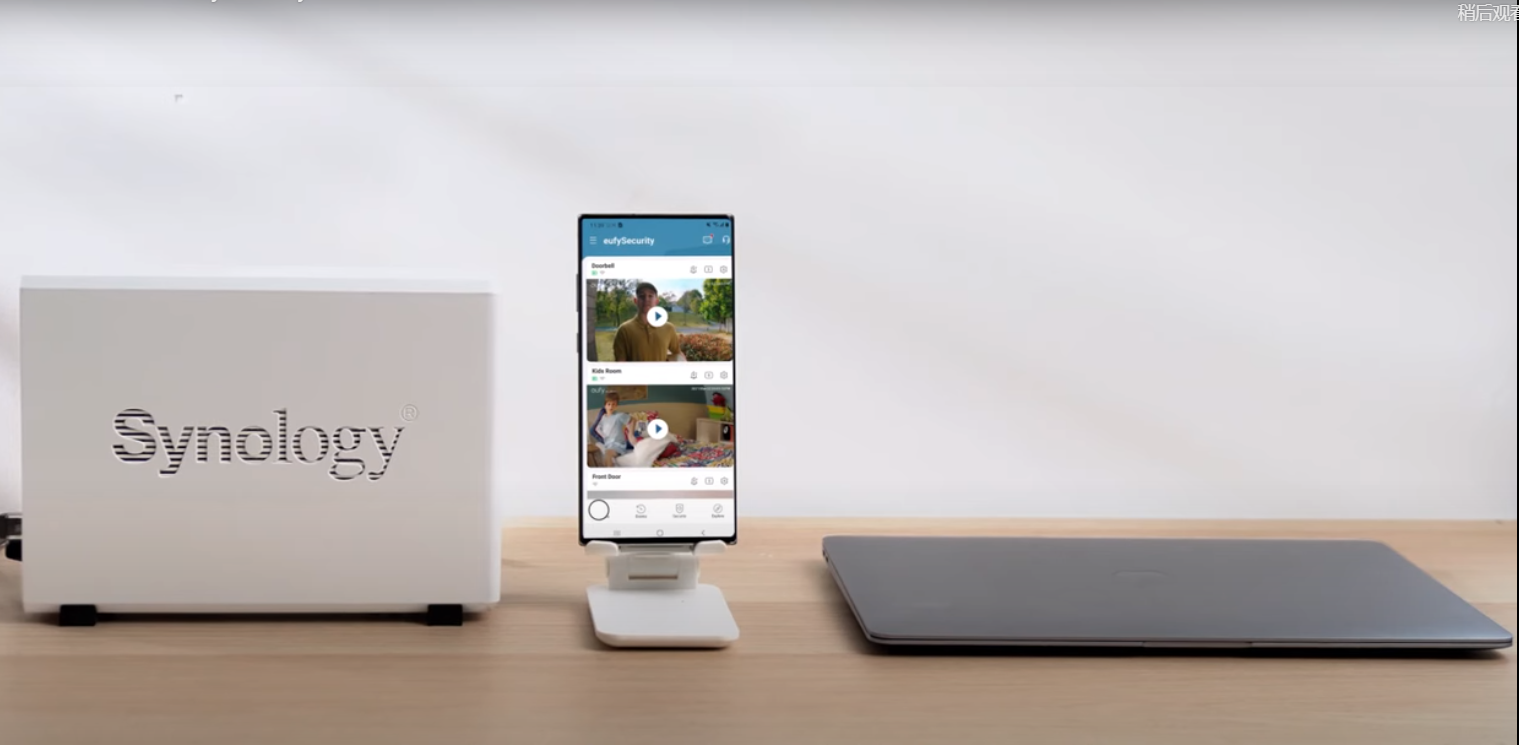
Play videoHow to Use NAS to Control eufy Security Products
How to Use NAS to Control eufy Security Products
Play videoHow to Mount Your eufyCam
How to Mount Your eufyCam
Play videoHow to Use Geofencing on eufySecurity App
How to Use Geofencing on eufySecurity App
Play videoHow to Set the Automation Function
How to Set the Automation Function
Play videoHow Do I Connect My eufy Cameras with Amazon Alexa
How Do I Connect My eufy Cameras with Amazon Alexa
View More
Contact Us
Buy on the eufy Store
Download the App
affirmamazonPayamexapplePaydinnersClubdiscovergooglePaymastercardpaypalshopPayvenmovisa