How can I use Geofencing on HomeKit?
On Home App, you can determine whether or not to receive notification per your location.
Besides, when you are streaming cameras and recording videos, you can create separate settings for when you are home or when you are away. For example, when you’re home, you can choose to stop streaming and recording for indoor cams inside your house, but continue to stream and record for eufyCam 2 outside your house.
For more information, please refer to Apple support article
https://support.apple.com/en-hk/guide/iphone/iph7bc5df9d9/ios.


20 undefined
Does HomeBase 2 support universal voltage?


What is the average data consumption needed per month for eufyCams?
How far can the HomeBase be placed from the router?
Does the eufyCam system support 7x24 recording?
How long does the eufyCam's battery last on one charge?
What should I know if I install the eufyCams?
How can I connect to other smart home devices on HomeKit?
Will my data be stolen if the device is being stolen?
Where can I purchase the detaching pin (quick release tool)?

eufyCam_2_Pro_Set_Manual_us
T8400X_EU_Declaration_of_Conformity
T8410_Indoor Cam 2K Pan & Tilt_INT_QSG
T8113_eufyCam 2C_EU_QSG
T8140_eufyCam 2 Pro_EU_QSG
V01_T8410C_QSG
View More


How to Mount Your eufyCam

How to Set the Automation Function
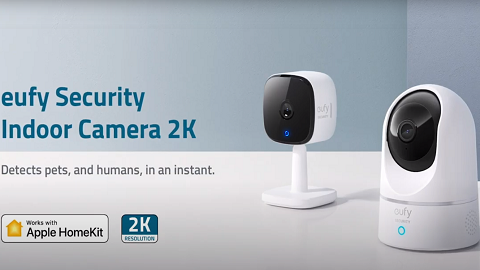
Introducing eufy Security Indoor Cam 2K Pan & Tilt
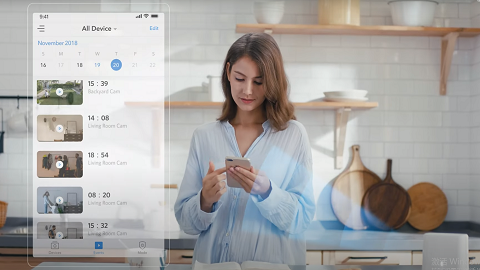
Introducing eufy Security eufyCam 2 Pro
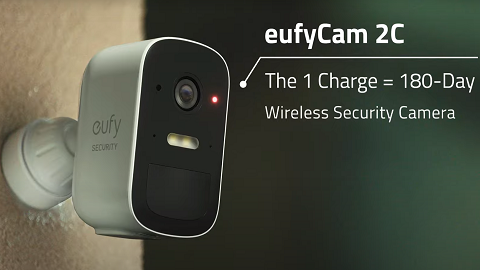
eufyCam 2C Introduction Video
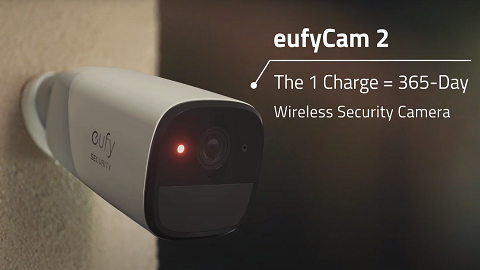
eufyCam 2 Introduction Video
View More


