After subscribing to Anker/Soundcore/eufy/Nebula newsletter, you will periodically receive exclusive news and discounts. However, if you no longer wish to receive emails from Anker/Soundcore/eufy/Nebula, please follow the steps listed below to unsubscribe from our newsletter.
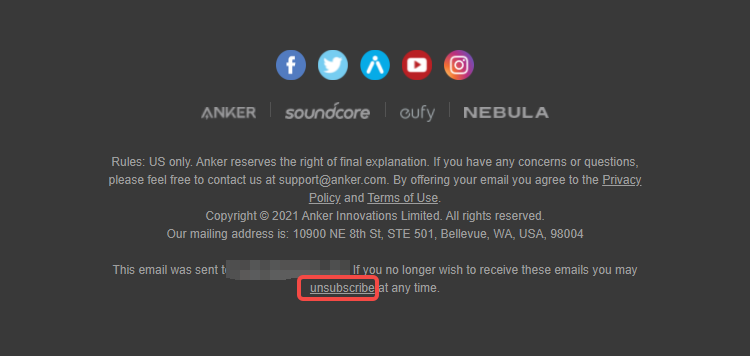
Step one: Click on any email from Anker/Soundcore/eufy/Nebula (email address for example newsletter@news.anker.com), and scroll down to the bottom of the email to find the “unsubscribe” button.
Step two: Select “I definitely want to unsubscribe”. Let us know “Why have you decided to opt-out?” and click “SUBMIT”.
Please note: Once you unsubscribe from our newsletter, you will not be receiving exclusive news or discounts from Anker/Soundcore/eufy/Nebula.

If you are still receiving emails after you have unsubscribed from our newsletter, please contact customer support for further assistance.