Keep Your eufy Account Safe
Two-Factor Authentication
Two-factor authentication (2FA) is available in multiple regions worldwide. When you enable this feature, logging in requires your password, as well as an additional verification code sent to your trusted email or phone number.
Additional Information
Shared Users
You control who has access to your eufy devices. You can remove any shared user at any time. Only the primary account owner can grant permissions to other users.
Notifications of New Device Logins
Whenever a new device logs into your eufy account, you will receive an email notification.


20 undefined
Total Home Security Simplified: eufy Expert Secure System E10's All-in-One Smart System for 24/7 Protection


Download a Certificate to get a Discount on your Home's Insurance
How to adjust the alarm volume of HomeBase Professional S1
Eufy ExpertSecure System Return Policy
Modify Notifications of eufy App, Homebase Professional S1, and eufy Security Cameras
How do I add a Video Doorbell C30 to my eufy App?
Entry Delay and Exit Delay of eufy ExpertSecure System E10
How do I add eufy Indoor Cam 2K Pan & Tilt to my eufy App?
How to change contact information of eufy Protection Plan?

eufy ExpertSecure Sytem User Guide (E9000)
Plan Terms and Conditions


How to Set Up and Install HomeBase Professional S1
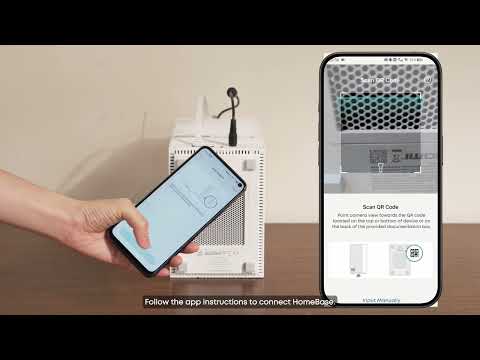
How to Set Up and Install eufy ExpertSecure System

How to Set Up and Install Entry Sensor E20

How to Set Up and Install Motion Sensor E20

How to Set Up and Install Smoke Alarm E10
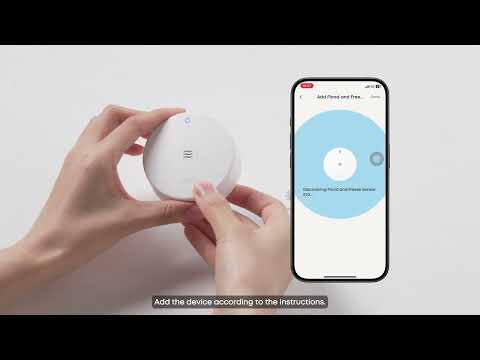
How to Set Up and Install Flood and Freeze Sensor E20
View More


