Tips to Help X8 Quickly Build A Map
With iPath™️ Laser Navigation, RoboVac X8 will memorize your house layout and build a real-time map to systematically follow for a more efficient clean.


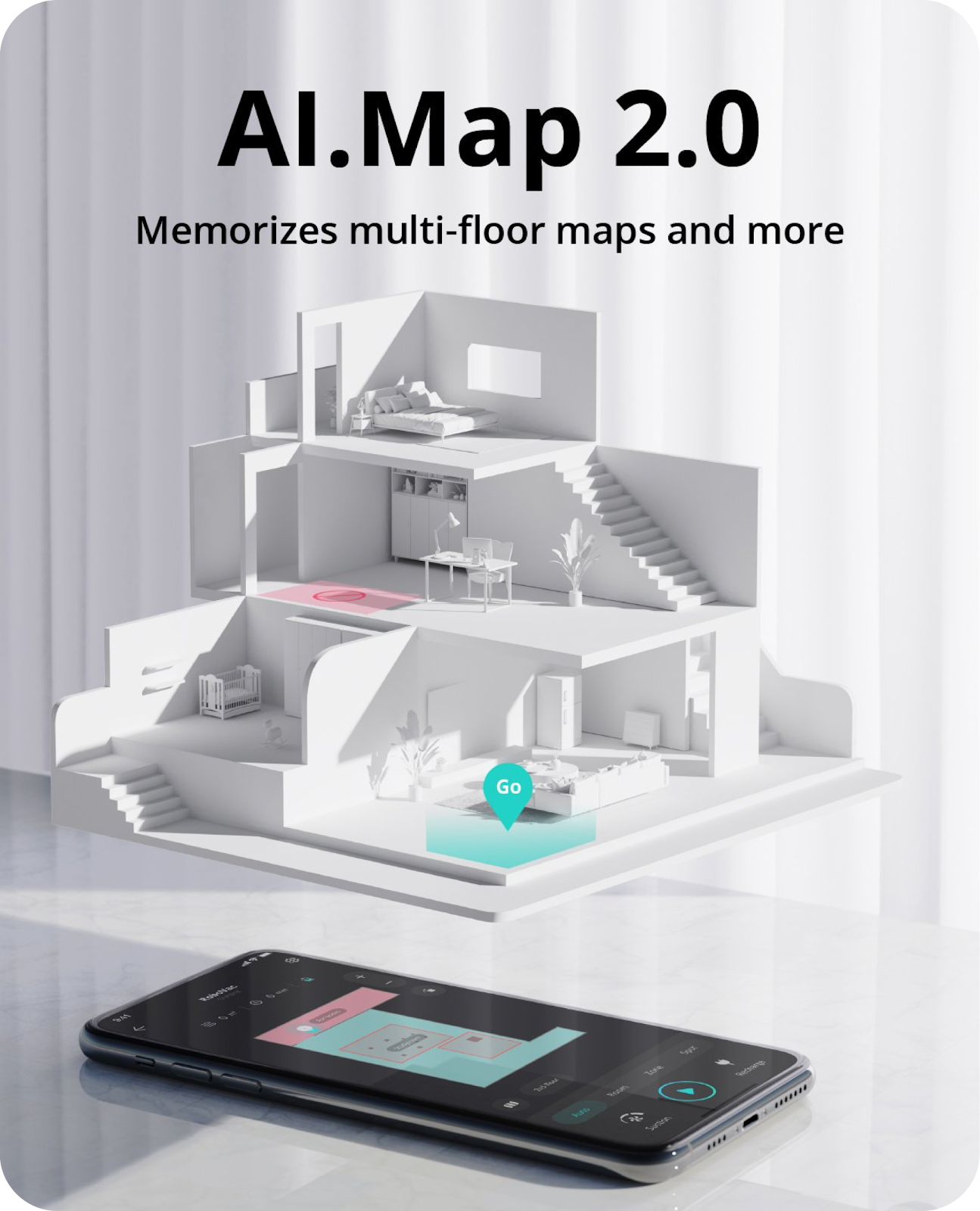
To build a map for the first time:
- Activate RoboVac while it is on the charging base;
- Open the doors of all the rooms that you want RoboVac to clean;
- Clean up objects on the ground that may trap/entangle RoboVac;
- Do not manually move RoboVac during the cleaning process;
- Let Robovac return to the charging base automatically.

You will get a more detailed control page after a map has been created successfully.

If you failed to save a map, please refer to What to do if my X8/X8 Hybrid failed to save a map? If you want to add another map, please refer to How do I save multiple maps on my RoboVac X8/X8 Hybrid?
We hope you enjoy using your RoboVac! Contact us directly at support@eufylife.com if you need any assistance.


191 undefined
How to factory reset my RoboVac's WiFi?


What does the status light on RoboVac indicate?
What if my RoboVac runs with a loud noise?
Common charging-related questions about RoboVacs
When should I replace the battery on my eufy RoboVac?
What should I do if my RoboVac is offline?
The differences between eufy RoboVac Hybrid series models
Tips to Help X8 Quickly Build A Map
eufy Product Warranty FAQ
How to contact a Human Customer Service Representative?

X8 Hybrid_FI_Manual
X8 Hybrid_DA_Manual
X8 Hybrid_SV_Manual
X8 Hybrid_NO_Manual
X8 Hybrid_DA+FI+NO+SV_Quick Start Guide
RoboVac X8/X8 Hybrid EU DOC (T2261/T2262)
View More


eufy RoboVac X8 Hybrid Unboxing Video

RoboVac X8 Series: How to Replace the Wheels

RoboVac X8 Series:How to Connect iOS Devices
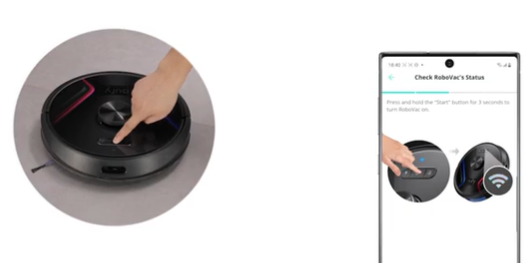
RoboVac X8 Series:How to Connect Android Devices
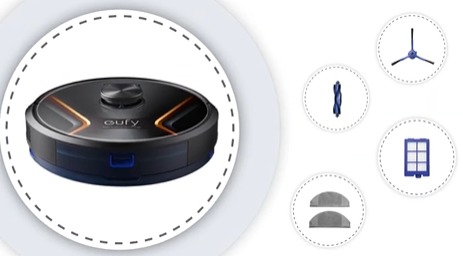
Cleaning and Maintenance of X8 Series RoboVac Accessories
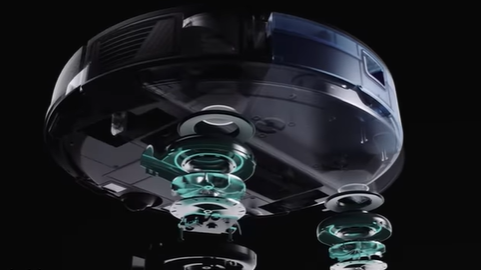
Introducing the world's first twin turbine powered robotic vacuum: eufy RoboVac X8 Series
View More


