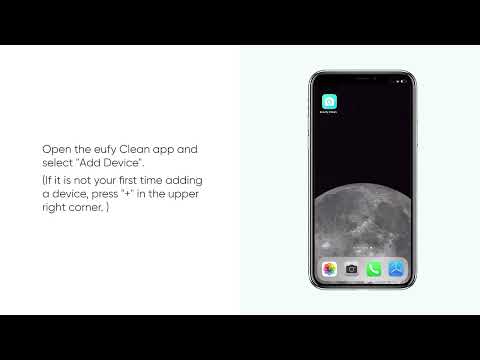
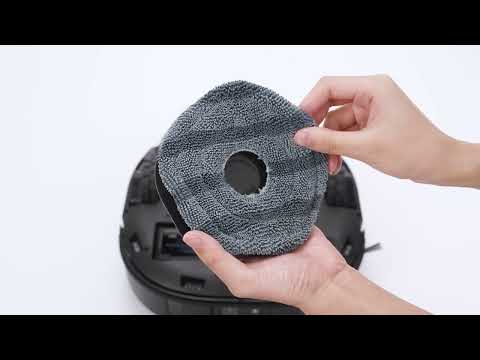
Absolutely! The E25/E28 robot supports cleaning multiple floors, and users can save one or more maps by enabling the "Multi-Map Saving" feature in the eufy app.
When the robot is creating a map of a new floor, please consider these important points:
-
Enable the "Multi-Map Saving" feature in the app's Map Management settings.
-
Please refer to the following app image to locate the "Multi-Map Saving" feature:
-
-
-
Move the robot to the new floor where you wish to create a map; there is no need to relocate the base station.
-
Kindly ensure that all doors to areas you want the robot to clean are open during the mapping process.
-
Please remove any toys, wires, or other small objects from the floors beforehand to assist the robot in navigating without encountering any potential issues.
-
Refrain from manually picking up or moving the robot during the mapping process. After the mapping process is finished, the robot will automatically return to the base station or its initial starting location.
-
In the app's Map Management settings, click "Create Map," and the robot will automatically navigate and create a map of the new floor, then return to its starting location after completing the mapping process.


Note: Please be aware that a maximum of five maps can be saved. If the "Multi-Map Saving" feature is turned off, the new map will replace the current map.
If you want to use the E28 or E25 in mopping mode on floors without a base station, please refer to the following guidelines:
-
Wash the mop at the charging station before starting.

-
Move the robot to the floor without the base station to begin the task.
-
Please use low water and suction settings to minimize manual intervention for returning to the station. You may also choose to manually move the robot back to the base station during the task of refilling water and continue mopping as needed.

-
Please note that if the robotic vacuum's water tank is empty and it is not promptly refilled while washing the mop at the base station, the robot will automatically switch to “Vacuum-only” mode.
-
After cleaning, the robot will automatically return to the starting point. Please manually move it back to the base station for self-cleaning.

If you have any other questions about the E25/E28 robot, please don't hesitate to contact us for further assistance.