HomeBase 3 stores all detected video recordings with secure encryption technology.
When to use Video Archive Function
Sometimes, you may need to retain some important video footage on a computer or provide video evidence to the police. You can back up your footage by plugging in a USB Stick via USB port 1 on the back of the HomeBase. The backup videos will be converted to MP4 format.

How to use Video Archive Function
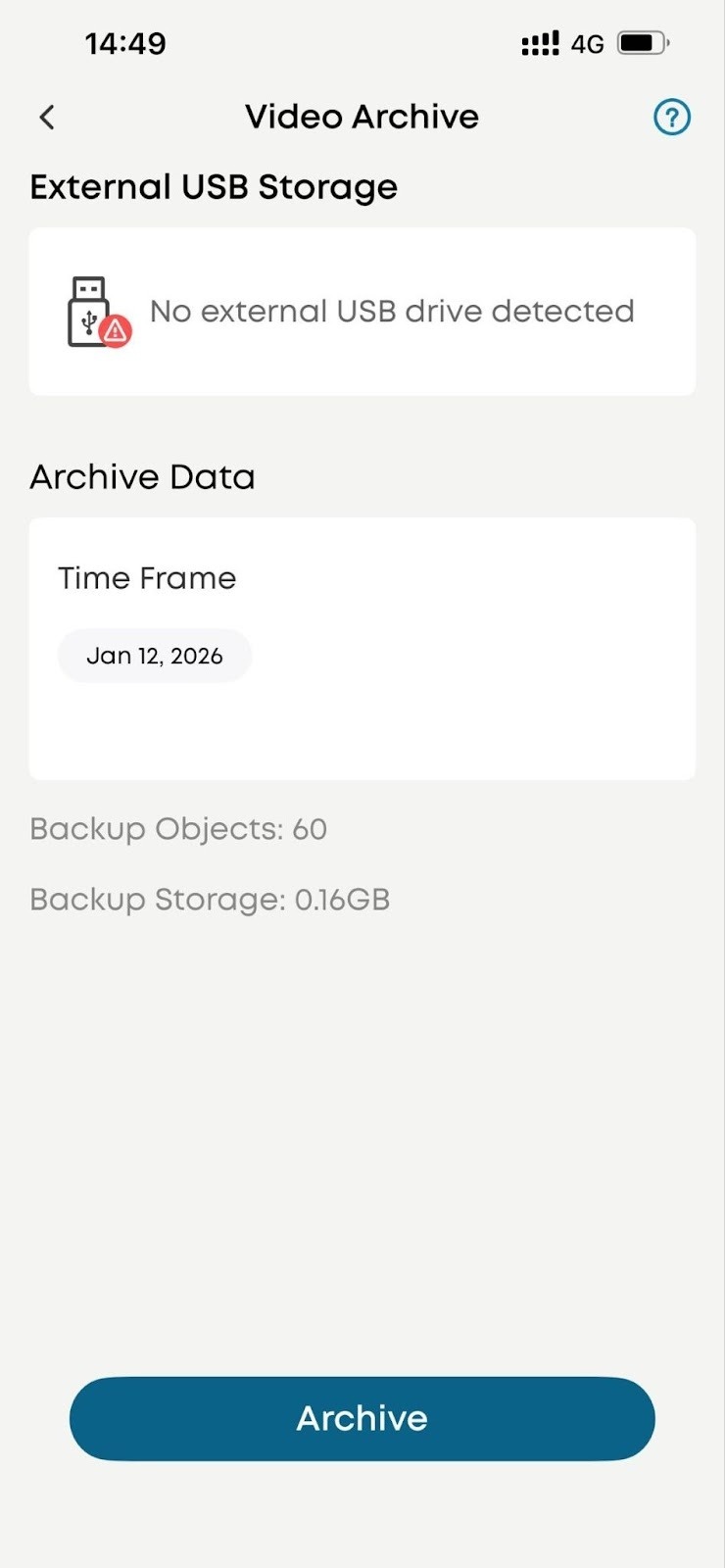
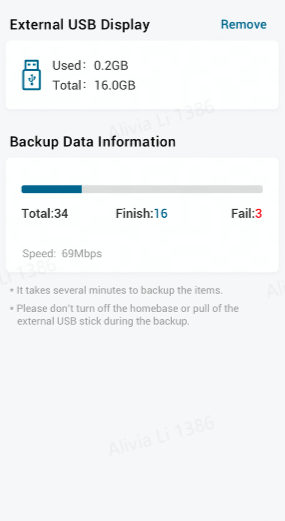
To backup the videos, you can insert a USB Stick first. Then open the App: HomeBase 3>Video Archive> Select Archive Date> Archive
Notes for using Video Archive Function
1. Use the USB 1 on the HomeBase for video archiving
2. Support fat32 and exfat format extend USB drive or HDD, exfat is recommended
3. Support time-selecting option
4. Don’t unplug the USB drive during video archiving
If there is any confusion on the Video Archive Function, please contact us for assistance.