If your Omni X12 Pro frequently gets stuck on carpets, try the following solutions based on carpet type:
Thin Carpets
For low-pile or thin rugs, the Omni X12 Pro may catch the edges or lift the carpet.
-
Secure carpet corners: Apply double-sided tape to keep the corners in place and prevent lifting or sliding.
-
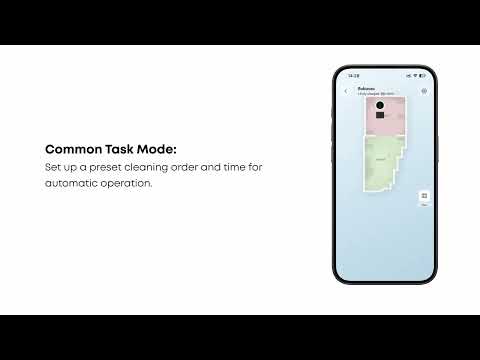
Set a no-go zone: Use the No-Go Zone feature in the app to mark carpet areas where the Omni X12 Pro is likely to get stuck.
Long-Haired Carpets
For carpets with fibers longer than 26mm, the Omni X12 Pro may struggle to clean.
-
Set a no-go zone: Use the No-Go Zone feature in the app to mark the entire long-haired carpet, so the Omni X12 Pro can avoid it.
Other Carpets
If your carpet doesn’t fit these categories or the issue persists, please contact customer service with details such as carpet material and photos for professional support.
If you have any other questions regarding the Omni X12 Pro, please don't hesitate to contact eufy Support Center for further assistance.