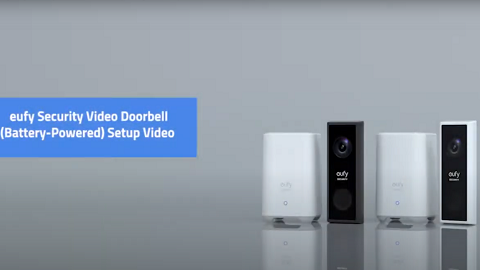
Battery Doorbell/eufy Cameras Cannot Be Fully Charged

If your battery doorbells or battery cameras cannot be fully charged to 100%, you can try the following tips. This article applies to battery doorbells and battery cameras.


1. Please try a different 5V/2A USB charger and a different USB cable to charge the camera/doorbell. Since the iPhone wall charger normally outputs 5V 1A, please use a non-iPhone wall charger.


2. For cameras/doorbells that use the eufy app, please save all important videos from the eufySecurity app, unpair the camera from the eufySecurity app and reconnect it to retry.


3. If your camera and doorbell are connected with HomeBase, try to charge the doorbell/camera on the HomeBase


If the above instructions cannot solve your specific issue, please contact us for further assistance.

Unresolved icon
413 undefined
Download icon
SoloCam_L40_manual_eu
Download icon
Video Doorbell E340 User Guide
Download icon
Add-on_eufyCam_E_manual_us
Download icon
Add-on_eufyCam_2C_Pro_manual_us
Download icon
Monitoring_sticker
Download icon
Monitoring_sticker
View More
Play videoHow to Use NAS to Control eufy Security Products
How to Use NAS to Control eufy Security Products
Play videoHow to Use NAS to Control eufy Security Products
How to Use NAS to Control eufy Security Products
Play videoHow to Use NAS to Control eufy Security Products
How to Use NAS to Control eufy Security Products
Play videoHow to Use NAS to Control eufy Security Products
How to Use NAS to Control eufy Security Products
Play videoHow to Use NAS to Control eufy Security Products
How to Use NAS to Control eufy Security Products
Play videoHow to Use NAS to Control eufy Security Products
How to Use NAS to Control eufy Security Products
View More
Contact Us
Buy on the eufy Store
Download the App
affirmamazonPayamexapplePaydinnersClubdiscovergooglePaymastercardpaypalshopPayvenmovisa