Compatibility and Requirements for Floodlight Camera


To ensure your eufy devices are able to work well, you might need to check if you meet the requirements of the device installation. Let's check the details.


1. Floodlight camera needs to connect to 2.4GHz Wi-Fi. Please note 5GHz Wi-Fi is not supported. Bluetooth is also not supported on the floodlight camera.


2. Please make sure you already have an existing round junction box and wires installed for the floodlight camera.


3. Check the Wi-Fi signal on your phone to make sure the signal strength is strong with a minimum of 2 Mbps upload speed.


If you have any questions, please contact us for further assistance.

Unresolved icon
20 undefined
Download icon
Floodlight Cam E340 User Guide
Download icon
Monitoring_sticker
Download icon
Floodlight Cam E340 User Guide (T8425)
Download icon
Floodlight Cam E340 User Guide (T8425) US ver
Download icon
Floodlight_Cam_2_Pro_manual_us
Download icon
Floodlight_Cam_E340_QSG_EN
View More
Play video
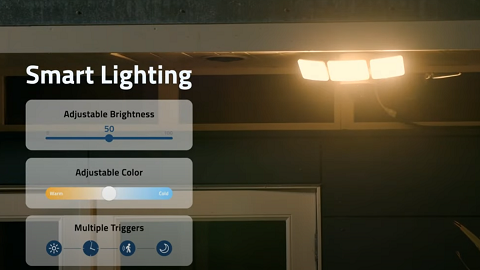
eufy Floodlight Cam 2 Pro | 360° Professional-Grade Security | 2K HD | Smart Lightening
Play video
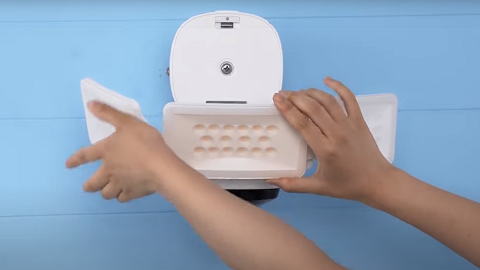
How To Install eufy Floodlight Cam 2 Pro
Play video
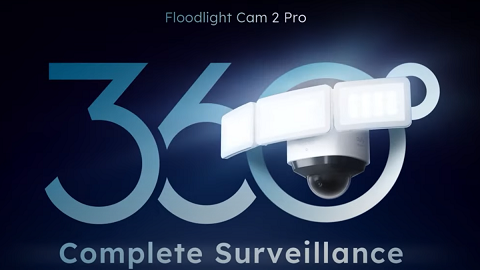
eufy Floodlight Cam 2 Pro | 360° Complete Surveillance | 2K HD
Play video
How Do I Connect My eufy Cameras with Amazon Alexa
Play video
How Do I Connect My eufy Cameras to the Google Assistant App
Play video
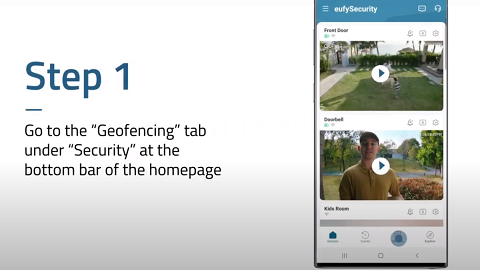
How to Use Geofencing on eufy App
View More
Contact Us
Buy on the eufy Store
Download the App
affirmamazonPayamexapplePaydinnersClubdiscovergooglePaymastercardpaypalshopPayvenmovisa