Failed to Add eufy Smart Lock Front Door via Bluetooth
If your smart lock failed to connect to your phone’s Bluetooth during the setup process, please try the following tips.
1. Make sure your smart lock has enough power and your phone is close to it.
2. Check your phone’s Bluetooth settings and make sure it’s turned on.
3. If you have an Android device, make sure the Location Service is enabled.
If all of the above has been checked and you still cannot connect your lock, please contact us for further assistance.


20 undefined
How many smart locks can one eufy Wi-Fi Bridge connect to?


How far can the eufy Wi-Fi Bridge be placed from the router?
How far can the eufy Wi-Fi Bridge be placed from the smart lock?
Is there a default passcode on smart lock before setting up?
How long will the access information be kept in the smart lock when the battery dies?
Are eufy smart locks safe?
Do eufy smart locks have cameras?
What happens if the eufy smart lock battery dies?
How many passcodes and fingerprints can the eufy smart lock store?
Where is the keyhole on eufy smart locks?

Smart_Lock_with_Wi-Fi_Bridge_manual_us
Smart_Lock_Front_Door_manual_us
Wi-Fi_Bridge_manual_en
T8021_EU Declaration of Conformity

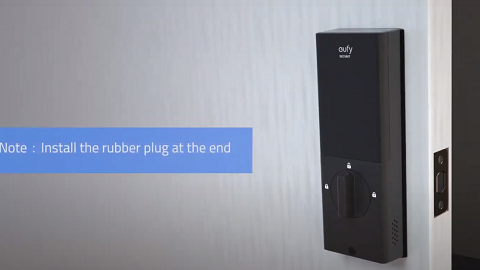
How to Install eufy Smart Lock Front Door

eufy App Functions


