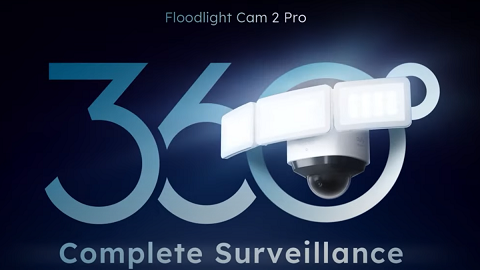
Floodlight Camera Displayed a Poor Signal or No Signal

The signal icon will display the strength between the camera and router.

In most cases, the system’s range can cover a house of 3,000 Sq Ft. The actual range will vary depending on a number of factors, such as the thickness of walls, obstacles inside the house, and the location of the floodlight camera and router.

If you have a poor signal or no signal displayed:


1. Please try moving your floodlight camera closer to the router if possible.

2. Please try adding a Wi-Fi range extender between the router and the floodlight camera.


If you have any questions, please contact us for further assistance.
Unresolved icon
234 undefined
Download icon
Monitoring_sticker
Download icon
Floodlight_camera_manual_us
Download icon
Floodlight_camera_manual_eu
Download icon
Monitoring_sticker
Download icon
Floodlight_Cam_E_2K_manual_us
Download icon
Floodlight_Cam_E_2K_manual_eu
View More
Play videoHow to Install eufy Security Floodlight Camera
How to Install eufy Security Floodlight Camera
Play videoHow to Use Geofencing on eufySecurity App
How to Use Geofencing on eufySecurity App
Play videoHow Do I Connect My eufy Cameras with Amazon Alexa
How Do I Connect My eufy Cameras with Amazon Alexa
Play videoHow Do I Connect My eufy Cameras to the Google Assistant App
How Do I Connect My eufy Cameras to the Google Assistant App
Play videoHow to Share Account Access of eufySecurity Devices
How to Share Account Access of eufySecurity Devices
Play videoHow to Schedule Your eufySecurity Devices
How to Schedule Your eufySecurity Devices
View More
Contact Us
Buy on the eufy Store
Download the App
affirmamazonPayamexapplePaydinnersClubdiscovergooglePaymastercardpaypalshopPayvenmovisa