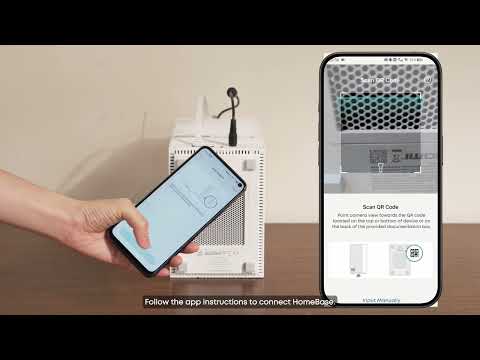
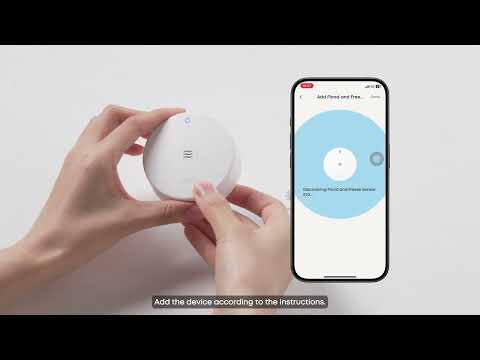
Please consider the following when locating the HomeBase:
-
HomeBase Professional S1 should be connected to AC power, so an outlet should be available within 5 feet. The outlet must not be controlled by a switch and must provide continuous power. Homebase Professional S1 has a built-in battery as a backup power source, just in case there is an outage in the area.
-
The HomeBase receives all camera and sensor events wirelessly, so a more central location is preferred in your home (depending on size). If you locate the HomeBase in a far corner of the house, it may not be able to receive signals from the opposite side of your home. You can locate the HomeBase in a first or second-floor room. In general, basement locations are not as good for wireless coverage.
-
Additionally, there should be no metal plates on the sides or above the HomeBase to avoid affecting wireless communication.
-
The distance between the sides and back of the HomeBase and the wall should be greater than 10 centimeters to ensure proper heat dissipation.
Tips:
-
The HomeBase should be placed on a tabletop near an electrical outlet.
-
The HomeBase should be located where children cannot reach it.