The signal strength is the quality of communication between your eufy ExpertSecure System E10. Think of Wi-Fi signal strength as two people talking in a room. If the room is empty, they can hear each other quite well. However, as the room becomes more crowded, they may struggle to hear one another. In this analogy, more people in the room equate to more devices connecting to your network. The more devices that connect to a network, the weaker the signal will be for other devices.
Reboot Router
There are some steps that you can take to improve connectivity. First, we always recommend rebooting your router if it’s been a while since you’ve done this. To reboot your router, simply unplug it from power for 30-60 seconds, then plug it back in. This will provide a fresh connection for your network devices.
If you’re still having trouble after a router reboot, there are some additional steps you can take to improve your overall signal strength.
HomeBase Professional S1 Placement
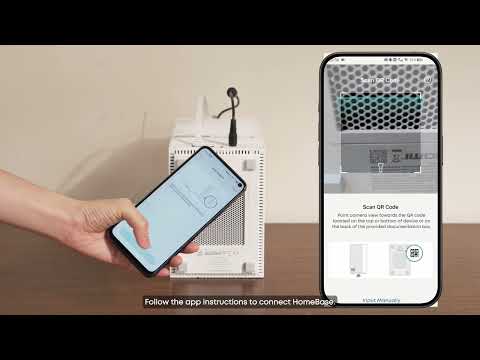
The placement of your HomeBase Professional S1 is crucial to how it interacts with other eufy ExpertSecure System’s devices.
-
We recommend having it out in the open rather than inside a cabinet or other furniture. Place the HomeBase Professional on a table or shelf 3-5 ft (1-1.5m) high to improve its wireless range.
-
It’s also a good idea to have it in line of sight of your cameras and sensors, whenever possible. You can also opt to move the HomeBase Professional S1 closer to your cameras if your space allows it.
-
Maintain at least 4 inches (10cm) of space between the device (sides/back) and walls.
-
Avoid placing metal objects on/above the device.